Google Performance Max Campaigns: Complete 2026 Guide for Smarter Growth with Google Ads
-
By Devraj
-
8th July 2026
If you’re running Google Ads in 2026 and haven’t given Performance Max a serious look, you’re leaving reach, and likely conversions, on the table. Performance Max has moved from “the new campaign type nobody fully trusts” to one of the core building blocks of a modern Google Ads account, sitting alongside, not replacing, your search campaigns. But it’s also one of the most misunderstood formats in Google Ads, precisely because it hands so much control to automation. This guide breaks down what Performance Max actually is, when to use it, how to structure it properly, and how to avoid the mistakes that quietly waste ad spend.
Quick Summary
- Performance Max is a goal-based Google Ads campaign type that runs across Search, Display, YouTube, Discover, Gmail, and Maps from a single campaign.
- It works best when it complements existing search campaigns rather than replacing them, especially for brands with proven high-intent keyword strategies.
- Accurate, end-to-end conversion tracking, including enhanced or server-side conversions and GA4 integration, is non-negotiable before scaling PMax budgets.
- Clear business goals (Target CPA or Target ROAS), strong creative assets, and well-built audience signals are the core best practices for 2026.
- Deftsoft’s Google Ads specialists plan, launch, and optimize Performance Max campaigns for ecommerce and B2B lead-gen businesses, typically starting around $1,500–$3,000/month in managed ad spend.
Want to scale your Google Ads without wasting budget?
Quick Navigation
What Is Google Ads Performance Max (and Why It Matters in 2026)?
When to Use Performance Max vs Standard Search Campaigns
Who Should Invest in Performance Max Campaigns?
How Performance Max Works Under the Hood
Setting Clear Business Goals for Your Performance Max Campaigns
Structuring Performance Max: Campaigns, Asset Groups, and the Ad Group Analogy
Building High-Impact Asset Groups (Text, Images, and Video)
Audience Signals: Guiding Google AI Without Over-Restricting It
Conversion Tracking and GA4 Integration
Location, Language, and Device Targeting Nuances
Budgeting and Bidding Strategies for Performance Max in 2026
Managing URL Expansion and Traffic Routing
Creative and Messaging Best Practices
Performance Max vs Other Google Ads Campaign Types
Reporting, Insights, and What to Expect
Ongoing Optimization: A Monthly Checklist
How Deftsoft Plans and Manages Performance Max for Clients
The Future of Performance Max and Google Ads Automation
What Is Google Ads Performance Max (and Why It Matters in 2026)?
Performance Max is Google’s goal-based, fully automated campaign type, first launched globally in 2021 and now a central pillar of the Google Ads ecosystem. Instead of building separate campaigns for Search, Display, YouTube, and Shopping, Performance Max lets you access nearly all of Google’s ad inventory from a single campaign built around one clear conversion goal, whether that’s sales, leads, or store visits.
Where Performance Max really differs from a traditional Search or Shopping campaign is in its structure and level of control. There’s no keyword list to manage. Instead of ad groups, you build “asset groups”, collections of text, images, and video organized around a theme or audience. Google’s AI handles bidding, budget allocation, and placement decisions in real time using Smart Bidding, drawing on the creative assets, audience signals, and conversion data you provide.
| Traditional Search Campaign | Performance Max | |
|---|---|---|
| Where ads show | Google Search results only | Search, Display, YouTube, Discover, Gmail, Maps |
| Targeting | Keywords you choose and control | AI-driven, guided by audience signals |
| Control level | High, granular, query-level | Lower, goal and asset-level |
It’s also worth understanding this in the context of what else Google is changing in 2026. Google recently updated how Target CPA and Target ROAS bidding behaves for budget-limited campaigns, a change that will roll out on August 17, 2026, and it affects Performance Max just as much as standard Search campaigns. If your PMax campaign has been quietly converting well below its stated Target CPA, that gap will start closing as the algorithm steers delivery back toward the number you actually set. That makes getting your targets and conversion data right before scaling more important than ever.
When to Use Performance Max vs Standard Search Campaigns
For most advertisers, the right question isn’t “PMax or Search?” It’s “how do these work together?” Performance Max is designed to complement your keyword-based Search campaigns, not replace them, and Google’s bidding logic reflects that: if a user’s query exactly matches an exact-match keyword in your Search campaign, that Search campaign is prioritized over Performance Max.
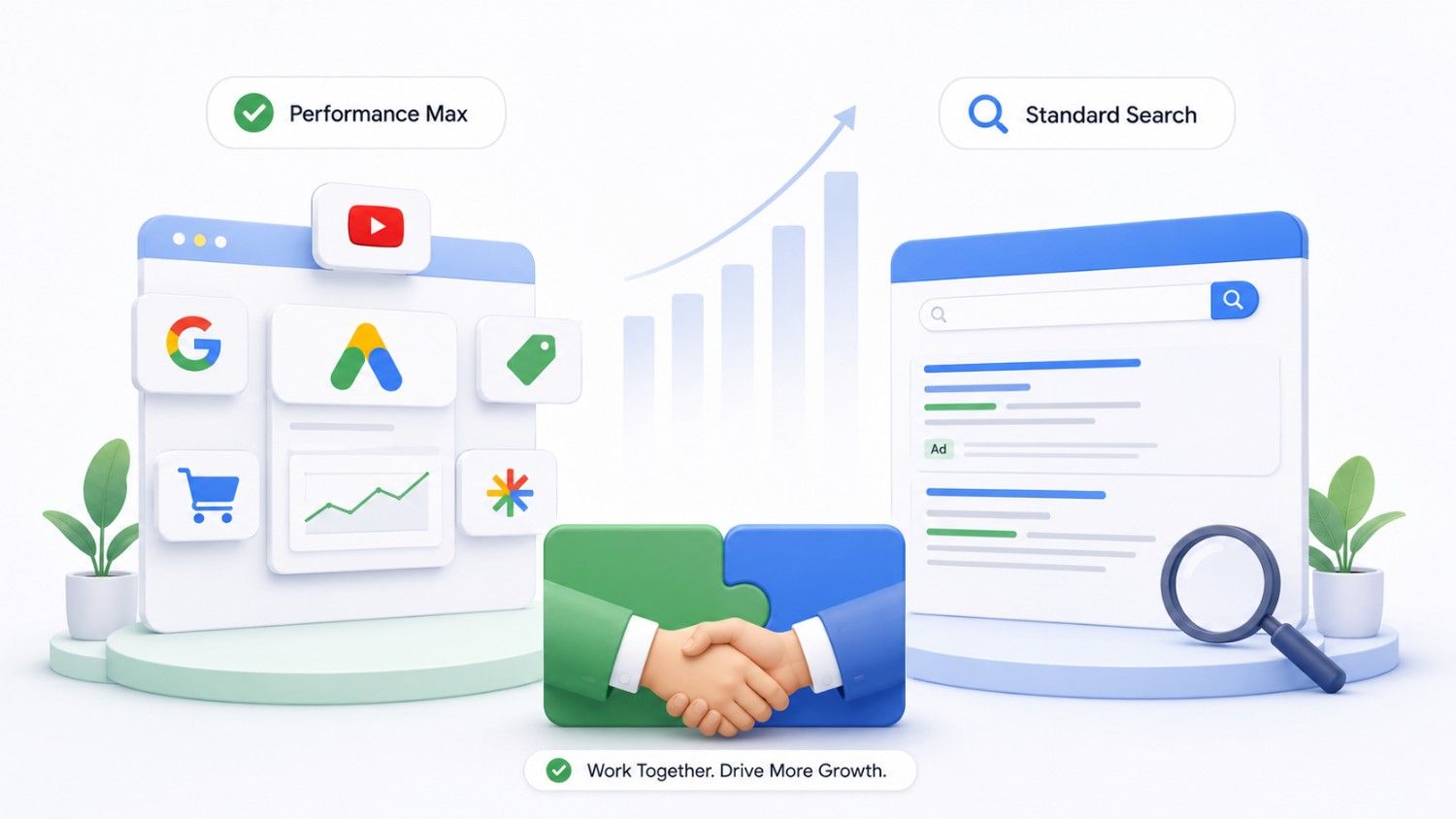 Performance Max tends to shine when:
- You have a proven search campaign that’s plateaued, and you want incremental reach beyond it.
- You’re an ecommerce brand with a Google Merchant Center feed and want broader product visibility across Shopping, Display, and YouTube.
- You want to reach customers across multiple Google surfaces without having to build and manage five separate campaign types.
Lean more heavily on Search campaigns when:
- You’re running a niche B2B account with low search volume that doesn’t generate enough data for PMax to learn effectively.
- You operate under strict compliance or industry advertising rules that require tight, query-level control.
- Precise control over exactly which search terms trigger your ads matters more than incremental reach.
The sequencing matters too. Stabilize and optimize your core search campaigns first, then layer Performance Max on top as an incremental growth channel sharing the same business goals. At Deftsoft, we typically run PMax alongside dedicated brand and non-brand search campaigns, with brand exclusions in place specifically to avoid PMax cannibalizing high-performing branded search traffic you’re already winning cheaply.
Who Should Invest in Performance Max Campaigns?
Performance Max isn’t free reach; it requires enough budget and volume for Google’s algorithm to actually learn. As a rule of thumb, plan for a consistent daily budget in the $50–$100 range and maintain it for at least 30 days before drawing conclusions about performance.
- Ecommerce businesses: D2C brands, marketplaces, and retailers with 50+ SKUs tend to see strong results, since PMax can boost product feed visibility and surface incremental revenue across Shopping, Display, and YouTube simultaneously.
- Lead generation businesses SaaS, professional services, education can absolutely use Performance Max, but only with high-quality lead scoring and offline conversion import from your CRM. Without that, PMax will happily optimize toward form fills that never turn into real customers.
- Local businesses, restaurants, clinics and showrooms can use PMax with store visits or local actions as the primary goal, supported by accurate location extensions and an up-to-date Google Business Profile.
Performance Max is best suited to advertisers who already have a working handle on Google Ads fundamentals. If you’re launching your very first campaign ever, get a standard Search campaign running and stable first.
How Performance Max Works Under the Hood
At a practical level (not deep technical documentation), Performance Max is built on three layers: the campaign itself (budget and bid strategy), asset groups (which replace traditional ad groups), and assets (the text, images, video, logos, and audience signals inside each group).
Google’s systems use signals like search intent, audience data, device, time of day, and location to make bidding and placement decisions in real time. Smart Bidding strategies commonly used in PMax include Maximize Conversions and Maximize Conversion Value, which can optionally be paired with a Target CPA or Target ROAS once you have enough conversion history.
One thing that surprises many advertisers coming from manual campaign types: Google’s AI automatically tests combinations of your assets to find the top performers across Search, Display, YouTube, Discover, Gmail and Maps, without you needing to run manual split tests. Your job is to feed it strong raw material; the system handles the combination testing.
Setting Clear Business Goals for Your Performance Max Campaigns
Every Performance Max setup should start with a business goal, not a creative brief or an audience list. Common 2026 goal types include direct online sales, qualified leads, subscription sign-ups, store visits, and app installs, each of which maps to a different conversion action inside Google Ads.
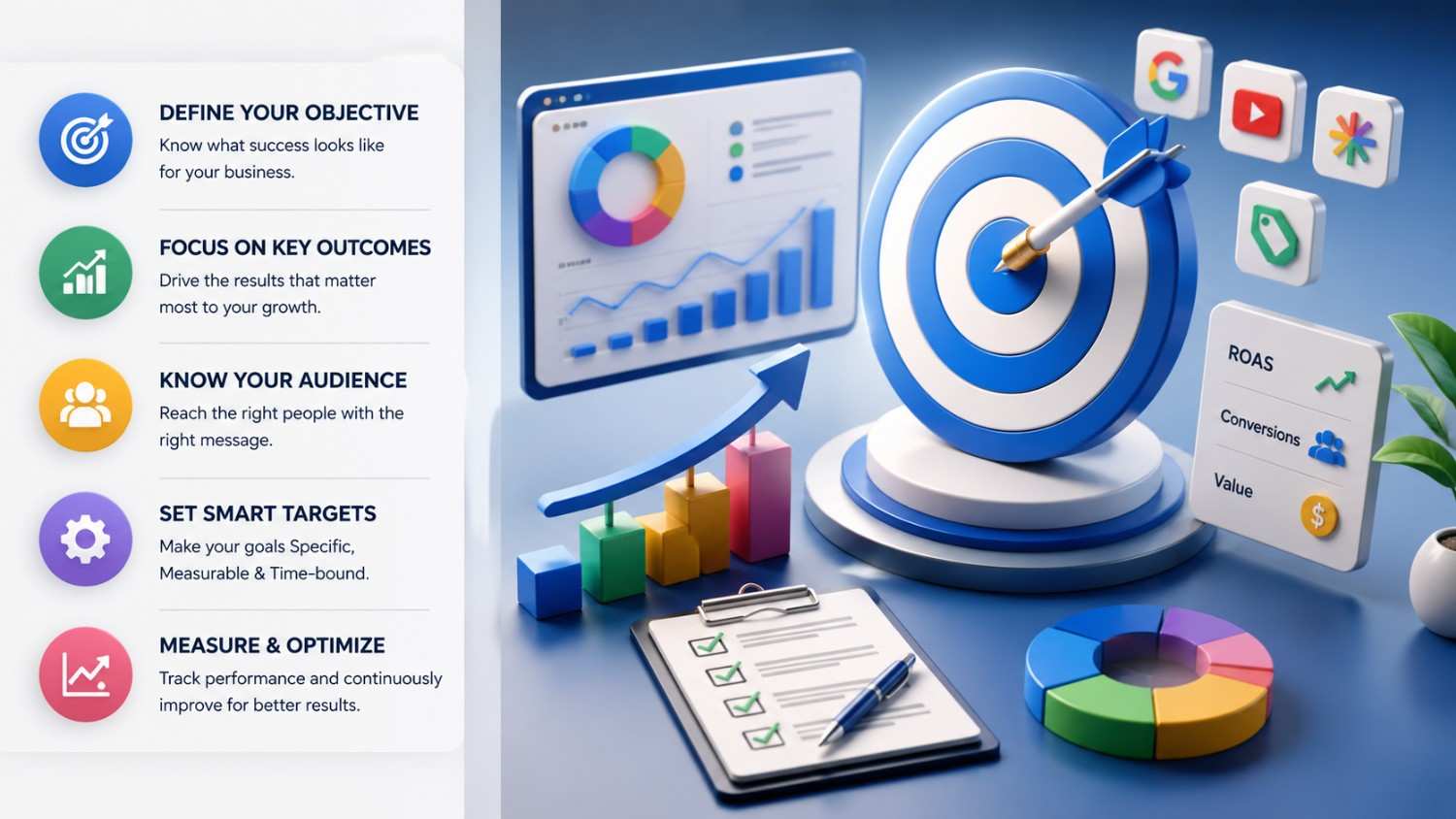 From there, decide whether you’re optimizing for conversions or conversion value. If your average order value and margins are fairly consistent, Target CPA is usually simpler to manage. If order values vary significantly (common in ecommerce with a wide product range), Target ROAS gives the algorithm a better signal about which conversions are actually worth chasing.
Be deliberate about how you value micro-conversions like add-to-cart or lead form starts. Assigning them too much weight can quietly pull optimization away from your real revenue or sales goal. Document your actual KPIs before launch: target CPA in dollars, target ROAS percentage and minimum daily revenue, so you have an objective benchmark to measure success against, rather than relying on gut feel a few weeks in.
Structuring Performance Max: Campaigns, Asset Groups, and the Ad Group Analogy
Asset groups function similarly to ad groups in a standard Search campaign, but they’re built around audiences and creative themes rather than keyword lists. Most advertisers do best with a small number of well-structured campaigns rather than many thin ones.
Consider splitting into multiple Performance Max campaigns when you’re targeting drastically different countries, have very different ROAS targets across product lines, or are running genuinely distinct business lines that shouldn’t share a budget or learning phase. Within each campaign, organize asset groups by product category, service line, funnel stage, or audience type, while resisting the urge to over-fragment; too many thin asset groups slow the learning phase without adding real precision.
Deftsoft generally prefers a handful of well-structured campaigns over a sprawling account of narrow ones, and we keep naming conventions consistent across campaigns and asset groups so reporting in Google Ads and GA4 stays readable months later.
Building High-Impact Asset Groups (Text, Images, and Video)
Performance Max is a creative-hungry format, since it needs to serve everywhere, from search results to YouTube pre-rolls. A few practical guidelines:
- Text assets: Write multiple headlines and descriptions tailored to your actual unique selling points, not generic claims. Use dated, seasonal offers (“Summer 2026 Sale”) where relevant, and keep calls to action specific.
- Image assets: Mix product-focused and lifestyle imagery, use correct aspect ratios for every placement, and avoid overlaid text that gets truncated on smaller screens.
- Video assets: Add at least one genuine video asset. If you don’t, Google will auto-generate one from your static images and text, and the results are usually noticeably generic. A simple 15–30 second branded video, even made with a lightweight tool, outperforms an auto-generated one.
- Logo and brand assets: Use transparent PNG logos, and keep colors and typography consistent with your website and landing pages.
Audience Signals: Guiding Google AI Without Over-Restricting It
Audience signals work as hints to Google’s AI, not hard targeting rules. Performance Max will use your signals as a starting point and then expand beyond them once it identifies users who convert, similar to how optimized targeting behaves in Display and Discovery campaigns.
Strong audience sources include remarketing lists from site visitors, customer match lists pulled from your CRM or email platform, custom segments built around your top-converting search terms, and GA4 predictive audiences. Deftsoft typically builds separate asset groups with distinct audience signals for different intent levels, cart abandoners versus cold in-market audiences, for example, so we can directly compare how each performs. Avoid relying only on broad demographic signals; combining behavioral, interest, and first-party data gives the algorithm a much stronger starting point.
Conversion Tracking and GA4 Integration
Performance Max depends entirely on accurate, end-to-end conversion data to make good bidding decisions, and that’s become even more true following the privacy and cookie changes of the past two years. At minimum, you need properly configured Google Ads conversion actions, GA4 events linked to those actions, and enhanced conversions or server-side tracking wherever possible.
Link your Google Ads and GA4 accounts, import conversions correctly, and use GA4 audiences as additional audience signals that feed back into PMax. It’s also worth building a dedicated GA4 segment or exploration view specifically for Performance Max traffic, since native landing page and geographic reporting inside PMax itself is still limited. This is one of the most common gaps Deftsoft finds when auditing existing accounts: broken or incomplete tracking that quietly misleads the entire bidding algorithm.
Location, Language, and Device Targeting Nuances
A few settings can silently drain budget if left on their defaults, especially for advertisers running international campaigns. Location targeting defaults to “Presence or interest,” meaning your ads can show to people who are merely interested in a location, not just those physically present there. For most local and national businesses, switching to “Presence” only avoids irrelevant, low-value clicks from outside your actual market.
Language settings should match both your website and your customer base, particularly in multilingual markets like India (English and Hindi) or the US (English and Spanish). Device-level reporting is also worth reviewing regularly; mobile, desktop, and tablet performance can differ significantly, and these differences should inform both landing page optimization and account-level bid adjustments. Deftsoft reviews geo and device reports monthly to catch anomalies, such as unexpected traffic spikes from low-value regions.
Budgeting and Bidding Strategies for Performance Max in 2026
Because Performance Max runs on Smart Bidding by design, getting your budget and bid strategy right from day one matters more than in a manually-controlled campaign. As a starting point, most SMBs should budget $50–$100 per day (per country if operating internationally) to achieve 30–50 conversions per month, which is enough for reliable algorithmic learning.
 For strategy, many advertisers start with “Maximize Conversions” without a target while the campaign builds conversion history, then introduce a Target CPA once there’s enough data. Mature ecommerce accounts often shift to “Maximize Conversion Value” once margins and product mix stabilize.
This is exactly where Google’s August 2026 bidding update becomes directly relevant to Performance Max, not just Search. Campaigns that have been over-delivering against their stated Target CPA or ROAS will be pulled back toward that stated number starting August 17, 2026. If you haven’t reviewed your PMax targets against actual delivered performance recently, do it before that date, ideally using the Bid Target Adjustment Tool Google is rolling out from July 6, 2026. And regardless of the update, avoid making major bid or budget changes more than once every 2–3 weeks; frequent changes repeatedly reset the learning phase and produce noisier, less reliable results.
Managing URL Expansion and Traffic Routing
Performance Max uses URL expansion, similar in spirit to Dynamic Search Ads, to send traffic beyond the exact final URLs you specify. It’s powerful for surfacing relevant landing pages you might not have manually selected, but it can also send traffic to pages that aren’t built to convert if left uncontrolled.
If precise control matters, for regulatory reasons or a tightly designed user experience, you can disable URL expansion entirely. More commonly, advertisers use URL exclusions to block irrelevant sections of the site: careers pages, general blog content, help center articles, or discontinued product lines. Reviewing GA4 landing page reports segmented specifically for Performance Max traffic is the most reliable way to spot URLs that are generating poor engagement or high bounce rates and need to be excluded.
Creative and Messaging Best Practices
Messaging should align tightly with both business goals and search intent, emphasizing whatever matters most in your category: price, shipping speed, guarantees, or a clear unique selling point. Update seasonal and time-bound messaging at least quarterly to avoid creative fatigue; generic, static ad copy is one of the fastest ways to underperform in Performance Max.
It’s also worth building distinct asset sets for remarketing audiences (more urgency, social proof) versus cold audiences (more education, brand story, problem-solution framing), and testing different offers, a free trial versus a percentage discount versus free shipping, while tracking downstream profit in GA4 or your internal BI tools, not just click-level metrics.
Performance Max vs Other Google Ads Campaign Types
Performance Max sits alongside Search, Display, Demand Gen, Video, Shopping, and App campaigns, but it automatically taps into inventory, YouTube in-stream, Discovery, and Shopping placements that previously required separate, standalone campaigns. Compared to Search, PMax trades granular control for reach. Compared to Display, it’s more conversion-focused than pure awareness-driven. Compared to Demand Gen, it’s goal-first rather than creative-first.
Keep dedicated, separate campaigns for pure brand awareness (better served by Demand Gen or Video) or when you genuinely need tight creative or targeting control that PMax can’t offer. Deftsoft often runs a hybrid structure: a foundation of Search campaigns, Performance Max layered on top, plus highly targeted campaigns like RLSA search or YouTube remarketing where the situation calls for it.
Reporting, Insights, and What to Expect
Performance Max offers less search-term and placement transparency than a traditional Search campaign, so reporting workflows need to adapt. The Insights tab is your best native resource; it surfaces top search categories, converting audience segments, and asset performance ratings that guide optimization even without a full search terms report.
Beyond the Insights tab, set up custom reports in Google Ads and GA4 tracking CPA, ROAS, impression share, new versus returning customers, and incremental revenue attributable to PMax. Expect 2–4 weeks of real volatility while the algorithm tests audiences and placements before performance meaningfully stabilizes; resist the urge to judge a campaign in week one.
Ongoing Optimization: A Monthly Checklist
Treat Performance Max as something that needs regular, deliberate attention, not a “launch and forget” campaign:
- Review search categories and audience insights for new opportunities or drift.
- Prune consistently poor-performing asset groups.
- Refresh seasonal creative and update stale messaging.
- Refine audience signals based on what’s actually converting.
- Use account-level negative keywords or brand safety settings, where available, to reduce irrelevant traffic.
- Run coordinated landing page A/B tests (headlines, forms, offers) alongside PMax optimization, since conversion rate improvements compound with better traffic.
- Schedule quarterly strategy reviews with stakeholders, or an agency partner, to realign the campaign with evolving business goals and budgets.
Common Mistakes to Avoid
The most frequent issues Deftsoft finds when auditing existing Performance Max accounts:
- Launching with poor or missing conversion tracking, which cripples the algorithm’s ability to optimize toward anything meaningful.
- Mixing low-value and high-value conversions into a single optimization goal, diluting signal quality.
- Chasing vanity metrics (clicks, impressions) instead of actual profit.
- Letting Performance Max quietly cannibalize branded search without brand exclusions.
- Spreading too-small budgets across too many campaigns, so none of them properly exit the learning phase.
- Changing bid strategies too frequently, resetting learning repeatedly.
- Relying entirely on Google’s auto-generated videos or generic stock imagery that weakens brand perception.
- Ignoring offline conversions and CRM data, especially damaging for B2B accounts with longer, multi-touch sales cycles.
How Deftsoft Plans and Manages Performance Max for Clients
Rather than a one-size-fits-all launch, Deftsoft’s approach starts with a full account audit, tracking and GA4 review, and a business goals workshop, before mapping out a Google Ads structure that combines Performance Max with the right complementary search campaigns.
From there, we run a structured 60–90-day test-and-scale window with clear, hypothesis-driven go/no-go criteria before scaling budgets or expanding into new markets. Our team monitors performance weekly but makes major structural changes only once we have enough data to act on with confidence, avoiding the common trap of prematurely resetting the learning phase. Clients receive regular, plain-English performance summaries rather than raw platform metrics without context.
The Future of Performance Max and Google Ads Automation
Google continues to push deeper into AI automation and privacy-safe measurement across every campaign type, and Performance Max sits at the center of that direction. Expect tighter integration among Google Ads, GA4, and consent mode, along with increasingly granular transparency and brand-safety controls as advertisers continue to push back against the “black box” reputation that PMax earned early on.
The advertisers who’ll do best here aren’t chasing every new toggle Google ships. They’re investing in durable foundations, clean first-party data, genuinely useful content, and a strong customer experience, so that whatever automation Google builds next has the best possible signals to work with. Deftsoft continues updating our own playbooks as Google rolls out new tools, including the ongoing shift toward AI Max and the August 2026 bidding changes, so our clients aren’t caught off guard by platform updates that quietly reshape performance.
Getting Started: A Simple Performance Max Launch Plan
- Audit your existing tracking and GA4 setup for gaps.
- Define clear business goals and KPIs before touching campaign settings.
- Choose your starting budget and bidding strategy.
- Plan your campaign and asset group structure.
- Prepare creative assets, text, image, and at least one genuine video.
- Configure key settings: location and language targeting, URL expansion rules, and brand safety filters.
- Link Google Ads with GA4 before launch, not after.
- Give the campaign a genuine 30–60-day testing window, track daily, but optimize in weekly or bi-weekly cycles rather than reacting to day-one numbers.
- Once initial data is in, get a professional audit to confirm the campaign is genuinely aligned with your broader Google Ads and business strategy.
Maximize your 2026 ROI.
Let Deftsoft build, monitor, and optimize your high-impact asset groups.
FAQ: Performance Max Campaigns and Google Ads
How many Performance Max campaigns should I run?
Stick to 1 to 3 campaigns mapped to your main goals. Splitting your budget across too many campaigns dilutes your data and slows Google’s AI learning.
Will Performance Max steal traffic from my branded search campaigns?
Yes, it can absorb brand queries. To keep your data clean and protect your standalone brand campaigns, you should add brand exclusions or account-level negative keywords.
How long does the learning phase take?
Give a new campaign 30 to 60 solid days. Avoid making major changes or overreacting to early performance while the algorithm gathers data.
What creative assets do I absolutely need to provide?
You need high-quality headlines, descriptions, landscape/square images, and at least one video. Without a video, Google will auto-generate a generic, often unprofessional one for you.
Can I control where my ads appear?
While placements across Search, YouTube, and Display are automated, you can maintain control using brand safety filters, URL expansion exclusions, and negative keyword lists.
Recent Articles





Devraj
 8th July 2026