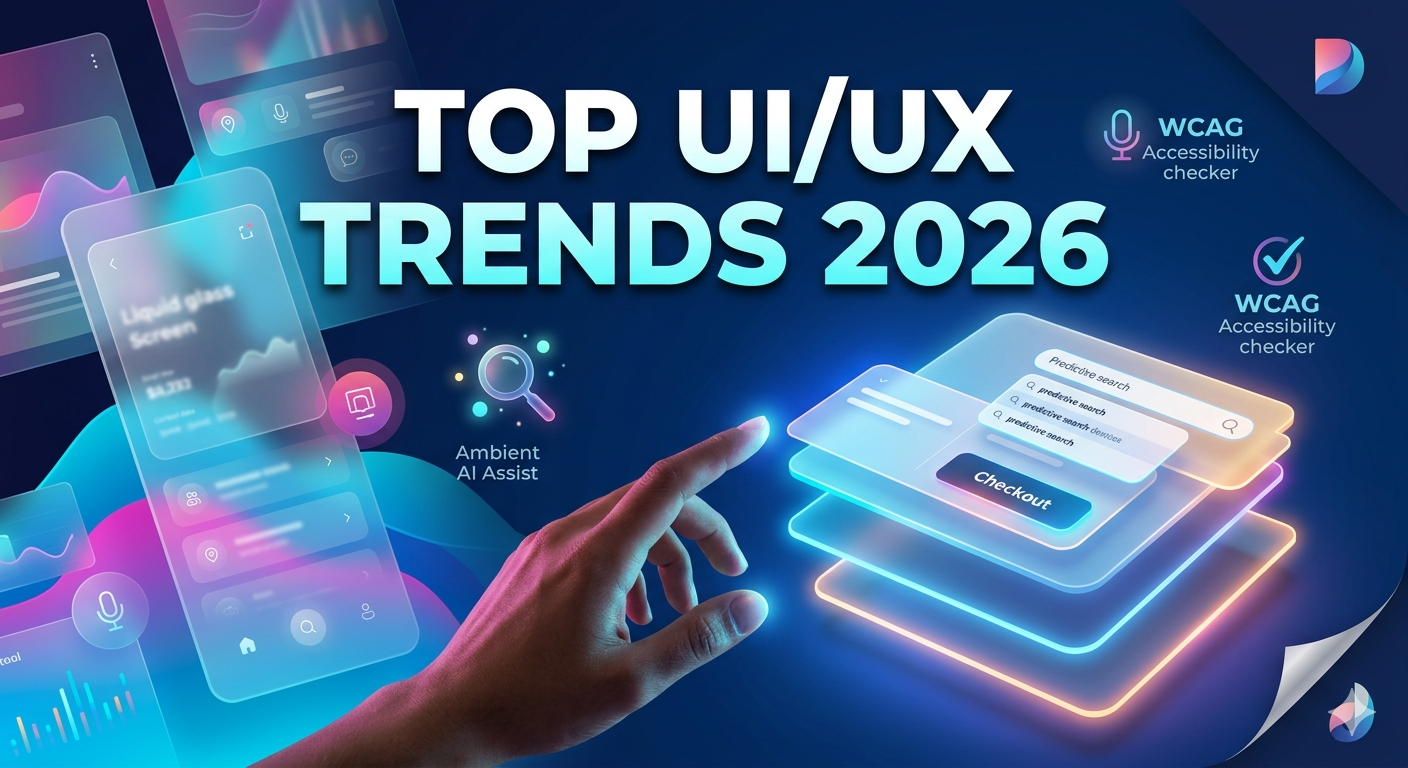
Top UI/UX Design Trends in 2026 That Will Actually Impact Your Conversions
-
By Devraj
-
15th June 2026
Your website or app might look great, with a clean layout, good colors and nice fonts. But if users are still bouncing, dropping off mid-checkout, or not clicking that CTA, the problem is almost never the visuals. It’s the experience.
In 2026, UI/UX designs have moved well beyond aesthetics. It’s now one of the most direct levers businesses have for increasing conversions, reducing churn, and building trust with users. And the trends shaping this year aren’t just visual experiments happening in design studios; they’re responses to real behavioral shifts, new platform standards, and stricter global regulations.
This blog breaks down the UI/UX design trends that are actually moving conversion numbers in 2026, backed by real data, with clear takeaways you can act on.
Quick Summary
- A well-designed UI can lift conversions by up to 200%. Stronger UX can push that to 400%.
- Apple’s Liquid Glass design (iOS 26) has changed what users expect from mobile interfaces.
- AI is no longer a chatbot in the corner; it’s embedded silently inside the UI itself.
- The European Accessibility Act (EAA), now enforced since June 2025, has made accessible design a legal requirement, not a bonus feature.
- Hyper-personalization, voice-first interactions, and calm design are the dominant forces reshaping how users engage with digital products.
Ready to Redesign for Better Results?
Deftsoft’s UI/UX team builds interfaces that convert, not just interfaces that look good. Talk to us today.
Quick Navigation
The 2026 UI/UX Landscape: What’s Actually Changed
Trend 1: Liquid Glass and the New Era of Living Interfaces
Trend 2: AI Is Inside the UI Now, Not Behind a Button
Trend 3: Accessibility Is No Longer Optional. It’s Revenue
Trend 4: From Extreme Minimalism to Clarity-First Design
Trend 5: Voice-First and Multimodal Interfaces Are Expanding
Trend 6: Calm Design Less Theater, More Purpose
What This Means for Your Business
Final Thoughts: Turning 2026 Trends into Your Competitive Advantage
The 2026 UI/UX Landscape: What’s Actually Changed
Before diving into individual trends, it’s worth understanding why 2026 feels different.
Users are overstimulated. Attention is fragmented. The average person now interacts with dozens of apps and websites daily, and their tolerance for friction, confusion, or slow load times is near zero. On the business side, the numbers are stark: every additional second of page load time beyond three seconds can reduce conversions by up to 20%. Meanwhile, Forrester research consistently shows that every $1 invested in UX returns up to $100. These aren’t soft metrics. They go straight to revenue.
The UI/UX field has responded by shifting from “how do we impress users” to “how do we remove every reason for a user to leave.” Let’s look at the UI/UX design trends driving that shift right now.
Trend 1: Liquid Glass and the New Era of Living Interfaces
The biggest visual shift of 2026 came from Apple. Introduced at WWDC 2025, Apple’s Liquid Glass design language, deployed across iOS 26, macOS Tahoe, watchOS 26, and visionOS 26, fundamentally changed how interfaces are perceived. Instead of flat, static layers, Liquid Glass creates translucent, depth-aware surfaces that respond to light, motion, and the content behind them in real time, powered by Metal 4 GPU acceleration.
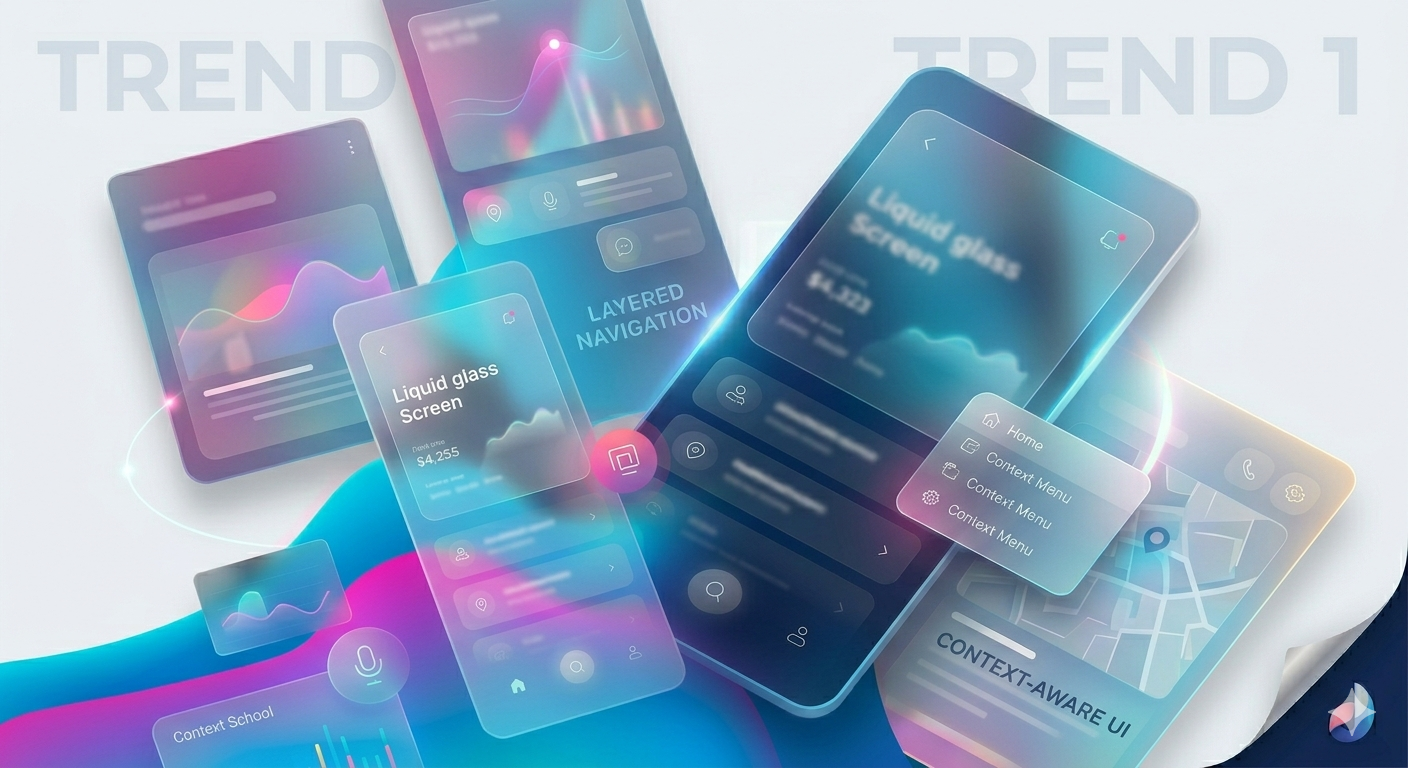
But this isn’t just an Apple story. The effect on user expectations has been industry-wide. Users who experience Liquid Glass’s fluid, contextual interfaces carry those expectations into every other app they use. Flat, rigid layouts now feel dated by comparison.
What this means for conversions: Interfaces that feel premium and responsive build trust faster. Trust is what converts first-time visitors into buyers. Apple’s own implementation groups similar interactions together and gives icons optional text labels, making the interface more intuitive and reducing the “what does this button do?” friction that quietly kills conversion rates.
The practical takeaway
You don’t need to copy Apple’s glass aesthetic. But you do need to start thinking about depth, layering, and context-aware design. Navigation that adapts to what a user is doing rather than sitting static at the top of the screen is where interface design is heading.
Trend 2: AI Is Inside the UI Now, Not Behind a Button
For the past two years, “AI” in design meant a chatbot widget or a recommendation engine sitting at the edges of the product. That’s changing fast in 2026.
AI has become what designers are calling an “ambient layer,” invisible unless needed, woven into the UI itself rather than announced as a feature. Predictive interfaces now surface the next logical action before a user has to think about it. Search fields anticipate queries. Dashboards reorganize based on the user’s behavior patterns. Forms pre-fill based on context.
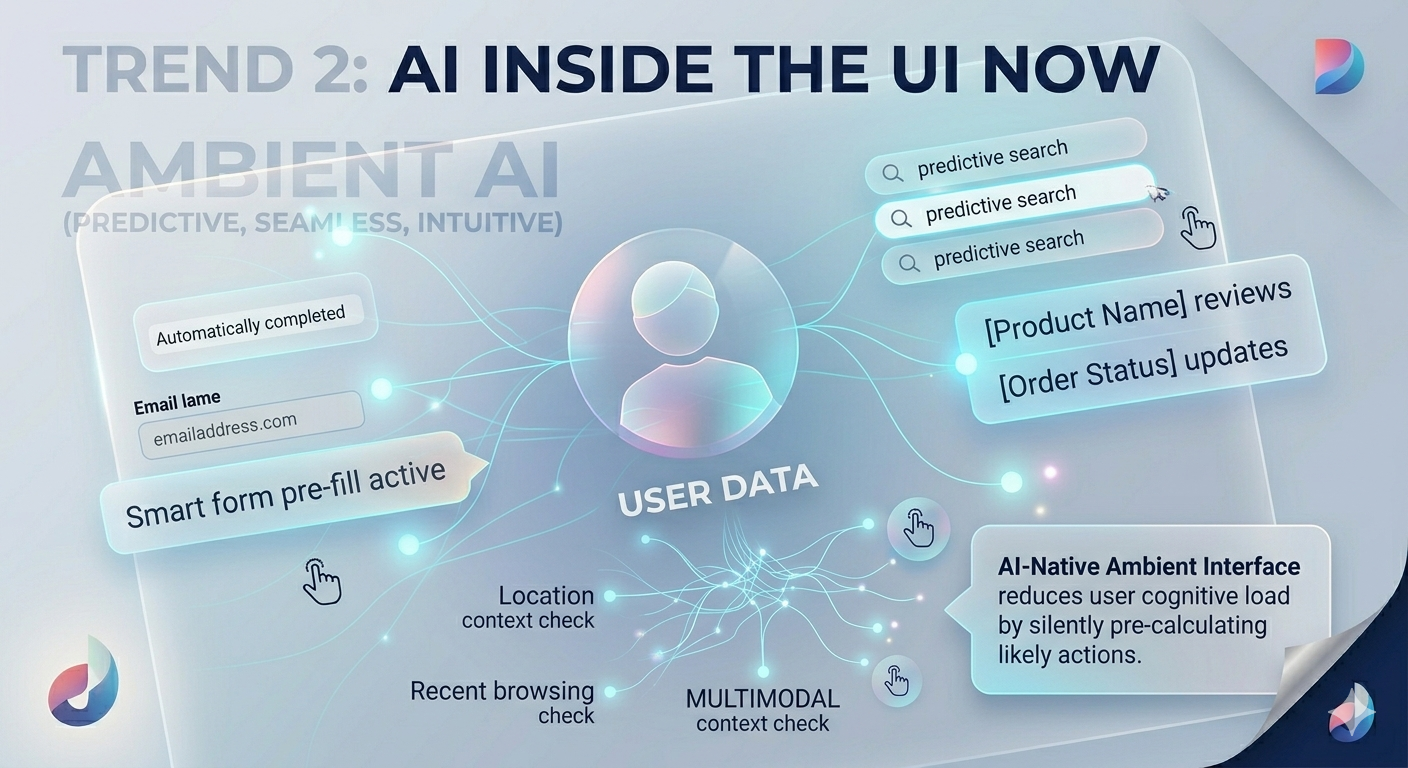
The numbers back this up: a survey of 100 designers by Lyssna found that 73% believe AI as a design collaborator will have the most impact in 2026, and 93% are already using generative AI tools in their current work. On the product side, a retail business that implemented AI-driven product recommendations based on granular browsing data saw a 30% lift in conversion rates.
What this means for conversions: Cognitive load is one of the biggest killers of conversion. When users have to think hard about what to do next, they leave. AI-native UI reduces that load by making the interface proactively helpful. Users who feel understood by a product return to it, and that 90% higher user loyalty from personalization translates directly to repeat purchases and long-term revenue.
The practical takeaway
Start with micro-level AI integration. Predictive search, smart form suggestions, and behavior-based CTA placement are all achievable without a full platform rebuild, and each one reduces the friction between intent and action.
Trend 3: Accessibility Is No Longer Optional. It’s Revenue
This one has a hard deadline attached.
The European Accessibility Act (EAA) came into enforcement in June 2025. It now makes digital accessibility a legal requirement for businesses operating across EU member states, covering websites, mobile apps, banking services, e-commerce, and more. The compliance standard is WCAG 2.1 Level AA, with WCAG 2.2 expected to be incorporated as the EAA’s technical standard updates throughout 2026.
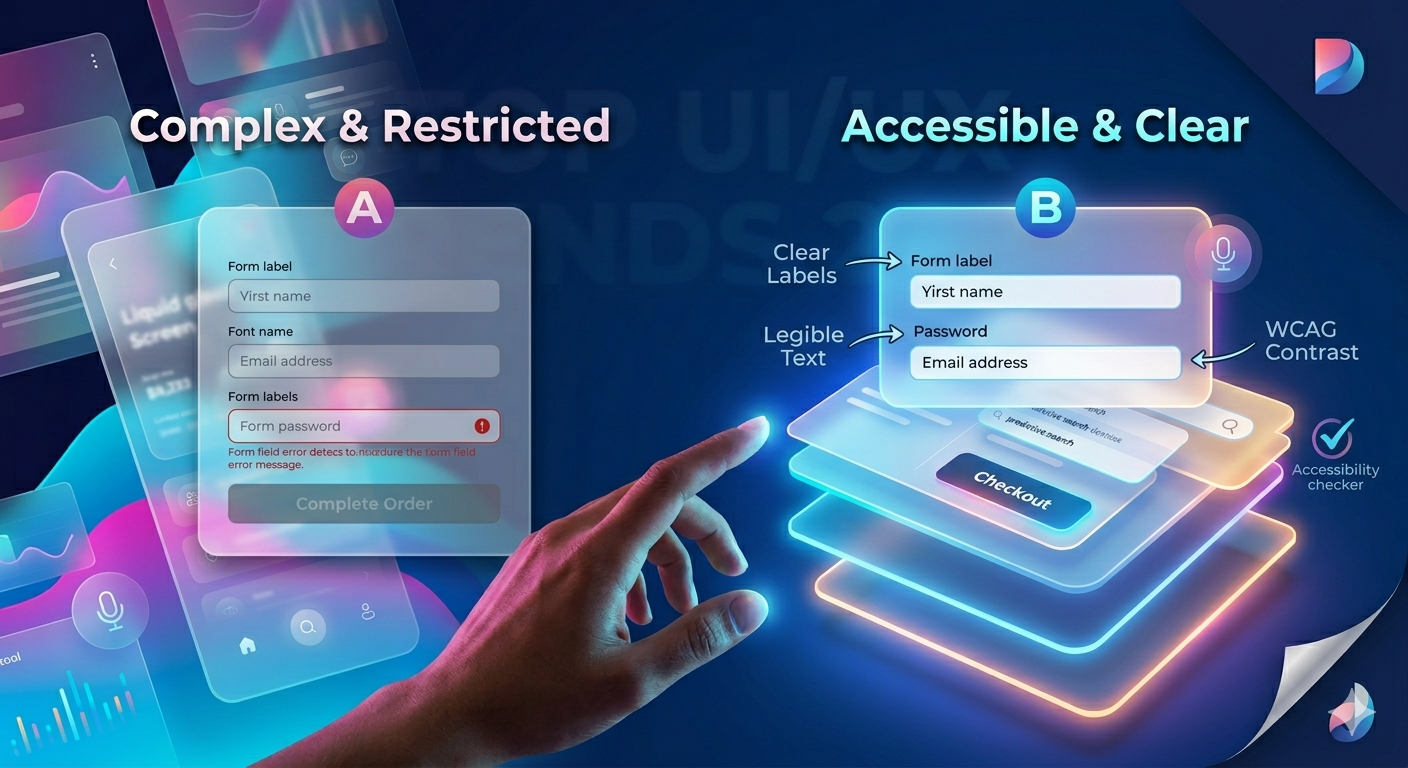
Here’s what makes this a conversion story, not just a compliance story: only 3.7% of the top one million websites currently meet full WCAG 2.1 AA compliance. That means the vast majority of digital products are still locking out a significant portion of potential users, people with visual impairments, motor difficulties, cognitive differences, or even situational limitations like bright sunlight or a broken touchscreen.
Beyond EU compliance, older adults (65+) will represent 20% of the EU population by 2026. Accessibility design that serves this demographic also serves everyone else. Larger text, higher contrast, clearer navigation flows. These don’t just help people with disabilities. They improve the experience for all users, and high-contrast CTA buttons alone generate 21% more clicks than buttons that blend into the design.
The practical takeaway
Run an accessibility audit against WCAG 2.2 criteria right now. Fix color contrast, keyboard navigation, form labels, and alt text. These aren’t just compliance checkboxes; they’re conversion improvements hiding in plain sight.
Trend 4: From Extreme Minimalism to Clarity-First Design
Minimalism had a great run. But in 2026, taken to its extreme, it’s actively hurting conversions.
The problem is that ultra-minimal design hides features behind icon-only menus, removing labels in the name of “clean” aesthetics, stripping helpful context to look sleek, forcing users to guess. And users who have to guess tend to leave.
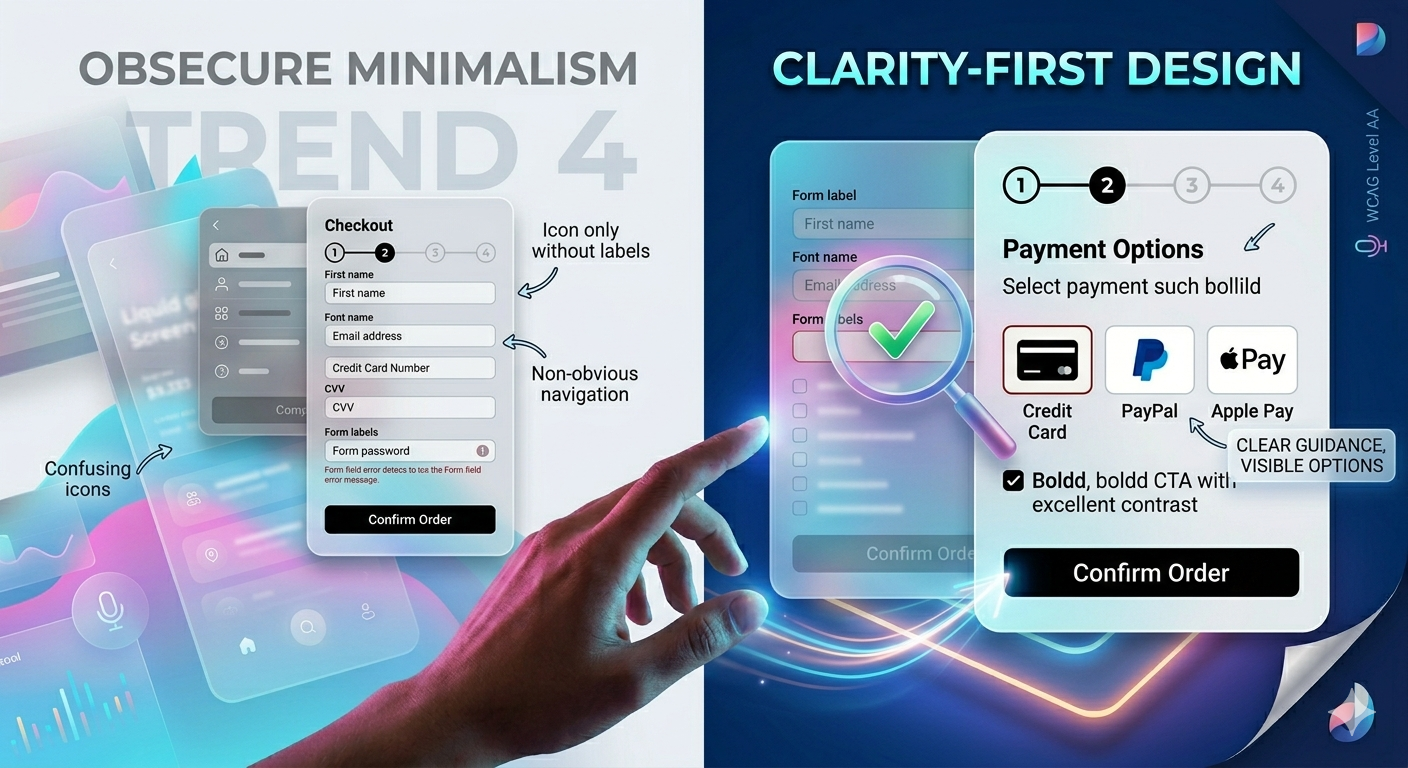
This year, the design community is seeing a clear move toward what you could call “clarity-first” design. This doesn’t mean cluttered or complex. It means visible options, clear guidance, and enough visual personality for a brand to actually stand out. McKinsey’s Design Index (MDI) data for 2026 shows that top-quartile design companies outperform industry benchmarks by 2x in revenue growth, and that performance is tied to experiences that reduce friction, not just reduce visual noise.
Research from Baymard Institute adds a direct conversion data point: simplified checkout flows of three to four steps (as opposed to longer multi-page processes) reduce cart abandonment by 35%. That’s not a design trend. That’s a business result.
The practical takeaway
Audit your most critical user flows, signup, checkout, contact and onboarding. For each step, ask: “Is there anything here that a user might hesitate about?” Every hesitation point is a conversion leak. Clear labels, visible progress indicators, and honest microcopy fix most of them.
Trend 5: Voice-First and Multimodal Interfaces Are Expanding
Voice interfaces in 2026 are no longer confined to smart speakers. They’re appearing inside mobile apps, wearables, in-car systems, and even standard web applications. The shift is being driven by two factors: the rise of agentic AI (AI that completes tasks on a user’s behalf) and a genuine demand for faster, hands-free interaction methods.
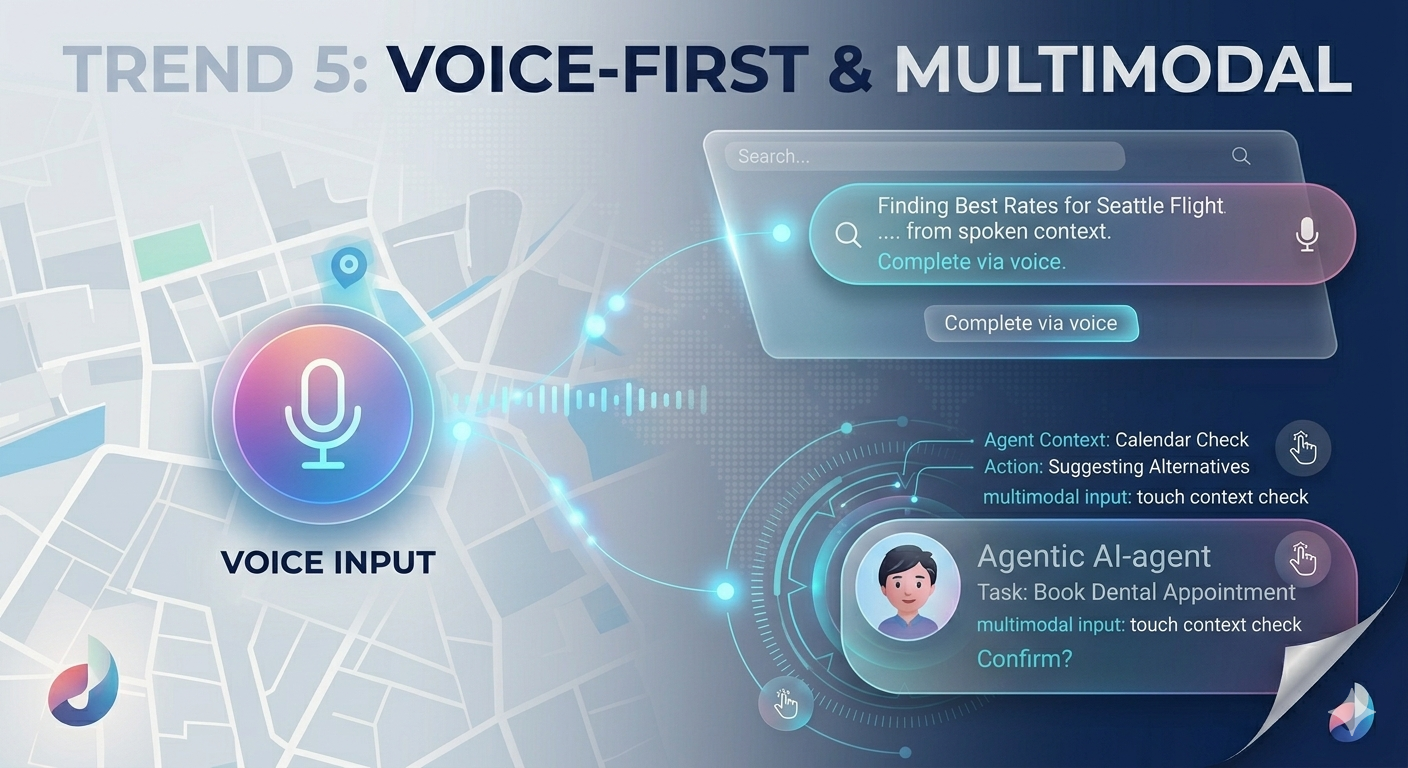
For businesses, the conversion angle is straightforward. Voice-enabled search and navigation reduce the number of steps between a user’s intent and the outcome. Fewer steps mean fewer exit points. For accessibility, voice input also opens products to users who cannot easily navigate via touchscreen, an increasingly important segment given global aging populations.
A recent reliable study found that 60% of designers believe AI agents that take actions on behalf of users will have a major impact in 2026. The practical implication is that interfaces need to be designed not just for finger-taps, but for spoken commands and agent-driven interactions where no human is at the controls at all.
The practical takeaway
If your product has search, consider voice input as an enhancement. If you’re building a new app or product, design the interaction model for multimodal use. Users who switch between touch, voice, and AI-assisted navigation expect a seamless experience across all three.
Trend 6: Calm Design Less Theater, More Purpose
The clearest behavioral signal of 2026 is this: people are exhausted by digital overstimulation.
Parallax effects, autoplay videos, layered animations, aggressive pop-ups, and scroll-jacking all of these were all used to create “wow” moments. But research and real-world product data increasingly show they create frustration instead. Bounce rates drop by up to 78% when strategic UX optimization removes unnecessary friction and stimulation.
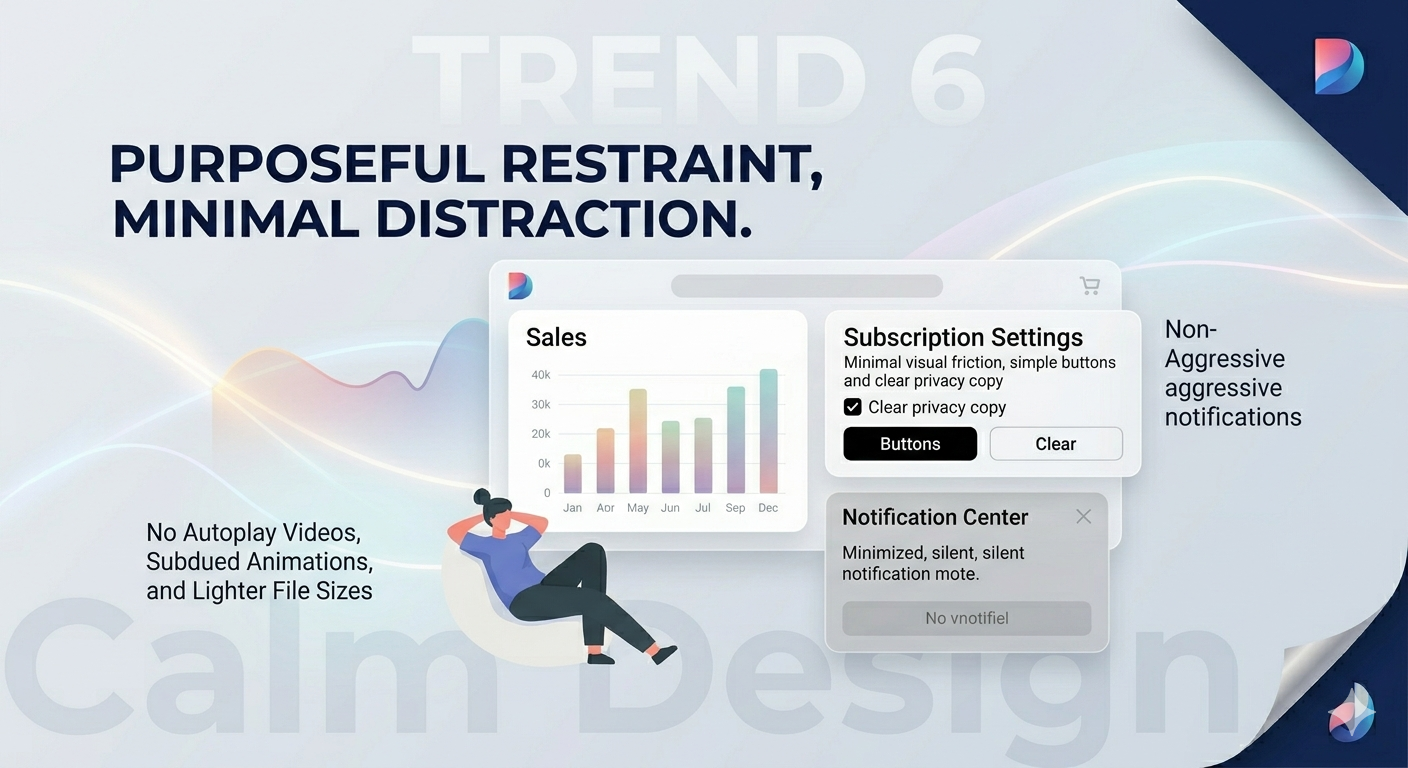
“Calm design” in 2026 means intentional restraint. Animations that serve a functional purpose (confirming an action, guiding attention) rather than performing for attention. Micro-interactions that feel responsive without being theatrical. Interface language that’s human and contextual, guiding users without distracting them.
From a performance standpoint, this also directly affects page speed, which remains one of the most measurable factors in conversion. Walmart’s data showed that for every one-second improvement in page load time, conversions increased by 2%. Fewer heavy animations and smaller file sizes are both design and speed choices.
The practical takeaway
Audit your current animations and visual effects. Ask whether each one helps a user understand what just happened, or whether it’s purely decorative. Strip out the latter. The sites and apps winning in 2026 are the ones that feel fast, clear, and calm, not the ones with the most impressive hover effects.
What This Means for Your Business
Here’s the core message of every UI/UX design trend on this list: UI/UX design in 2026 is a direct business investment, not a creative expense.
The data is consistent across Forrester, McKinsey, Baymard, and Google:
- Good UI lifts conversions by up to 200%
- Strong end-to-end UX can lift conversions by up to 400%
- Every $1 in UX returns up to $100
- Companies that lead in design outperform the S&P 500 by 228% over ten years
The UI/UX design trends above, Liquid Glass aesthetics, ambient AI, accessibility-first design, clarity over minimalism, voice interfaces, and calm design, are not disconnected from each other. They all point in the same direction: design that respects a user’s time, reduces their cognitive effort, and makes the path to action obvious.
Businesses that treat these UI/UX design trends as optional will find themselves losing ground to competitors whose products simply feel better to use.
Final Thoughts: Turning 2026 Trends into Your Competitive Advantage
The digital landscape of 2026 has made one thing clear: users are no longer patient with digital friction, confusing menus, or generic experiences. Whether it is adjusting to the fluid depth of Liquid Glass, embedding ambient AI layer interactions, or meeting the non-negotiable legal requirements of the European Accessibility Act (EAA), design choices now have an instantaneous effect on your financial statements.
Implementing these changes isn’t about chasing fleeting design fads; it’s about engineering a product that respects human attention and eliminates cognitive barriers. When a simple UI refresh can lift conversions by 200% and deep UX optimization can scale that up to 400%, leaving your platform unchanged is an expensive mistake.
Scale Your Revenue with Deftsoft’s UI/UX Experts
At Deftsoft, we bridge the gap between creative visual execution and rigorous conversion data. Our digital agency has over 15 years of hands-on experience helping businesses across high-stakes service industries—from complex enterprise platforms to localized service sites—audit, refine, and transform their user journeys.
We don’t just build websites that look modern; we build high-performing digital environments designed to minimize churn, increase user trust, and scale your ROI. Let us help you navigate the technical nuances of modern WCAG compliance and AI-native design to ensure your platform remains a conversion engine through 2026 and beyond.
Start Converting More with Better Design
If your UI/UX is due for an upgrade, Deftsoft’s design and development team is ready. We build experiences that don’t just look right, they perform.
Frequently Asked Questions
Q1. What is the biggest UI/UX design trend in 2026?
The most significant shift is the move toward AI-native, ambient UI, where artificial intelligence is embedded directly into the interface to reduce friction and predict user needs, rather than sitting as a separate feature. Combined with Apple’s Liquid Glass design language, which has reset user expectations for mobile interfaces, these two forces are defining what “good design” looks like in 2026.
Q2. How does UI/UX design affect conversion rates?
Significantly. A well-designed user interface can increase website conversion rates by up to 200%, while strong end-to-end UX work can push that to 400% (Forrester). Factors like page load speed, checkout flow length, CTA contrast, and navigation clarity all have direct, measurable effects on how many visitors take action on your site.
Q3. What is the European Accessibility Act, and how does it affect my website?
The European Accessibility Act (EAA) came into enforcement in June 2025 and requires businesses operating in EU markets to meet digital accessibility standards, specifically WCAG 2.1 Level AA, across their websites, apps, and digital services. Non-compliance can result in legal penalties. Beyond compliance, accessible design also improves usability for all users and is directly linked to better conversion rates.
Q4. Is minimalist design still effective in 2026?
Balanced minimalism still works well. But extreme minimalism, hiding features behind ambiguous icons, removing helpful context to appear clean, is being phased out in favor of clarity-first design. Users in 2026 want visible options and clear guidance, not interfaces that leave them guessing what to do next.
Q5. How can voice UI improve conversions?
Voice interfaces reduce the number of steps between user intent and outcome. Fewer steps mean fewer drop-off points. For search, navigation, and form completion in particular, voice input can significantly speed up the user journey, directly benefiting conversion rates, especially on mobile.
Q6. How do I know if my website’s UI/UX needs improvement?
Watch your analytics. High bounce rates, low time-on-page, cart abandonment, and low form completion rates are all signals of UX friction. A structured UX audit that tests real user flows, checks page speed, reviews accessibility, and maps the checkout process will surface the specific problem areas. Deftsoft offers UX audits as part of its design services if you’d like expert eyes on your product.
Recent Articles




Devraj
 15th June 2026