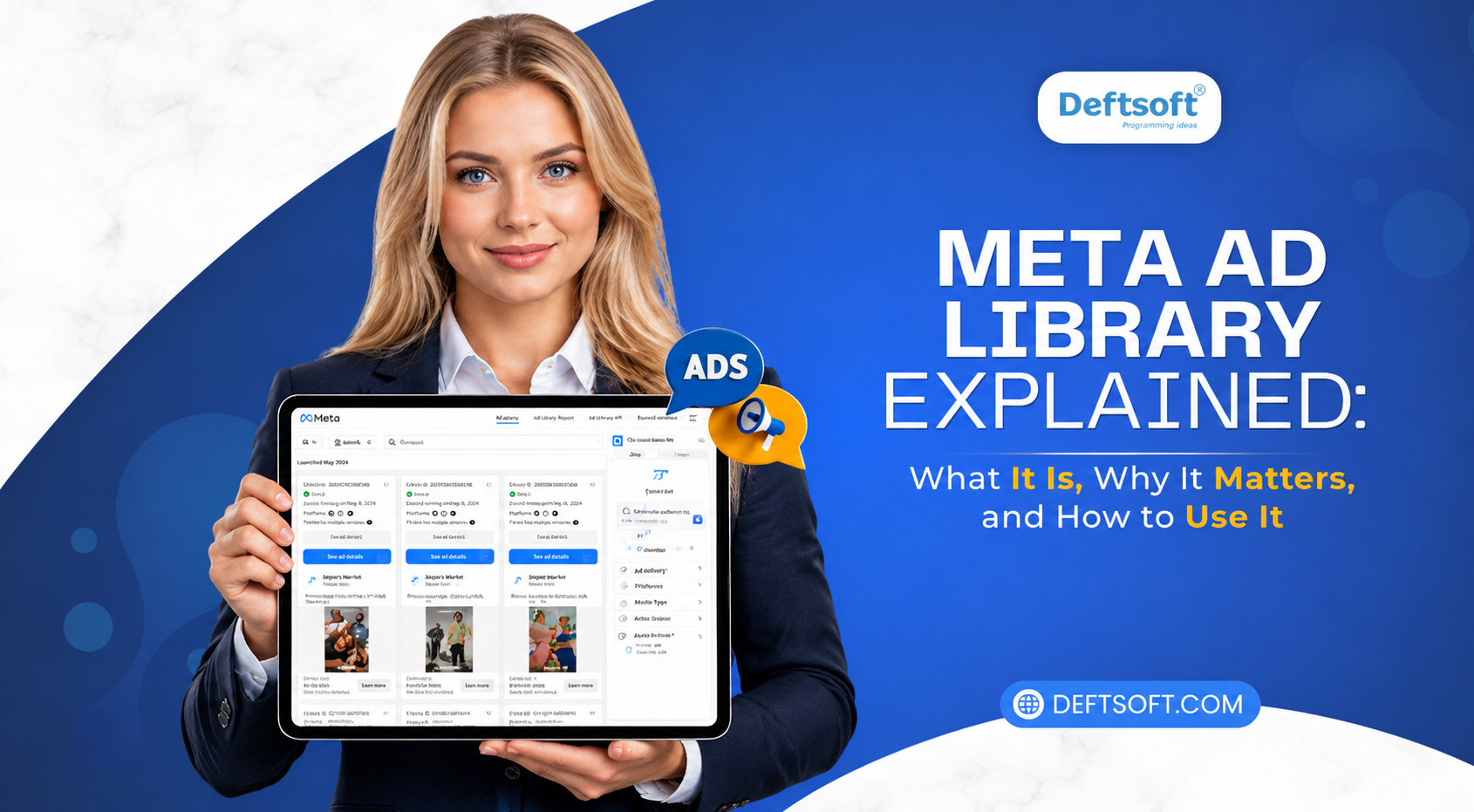
Meta Ad Library Explained: What It Is, Why It Matters, and How to Use It
-
By Devraj
-
2nd September 2026
Ever wondered exactly what ad your competitor is running on Instagram right now, or how long a Facebook campaign you keep seeing has actually been live? There’s a free, public tool that answers both questions in seconds, and most businesses either don’t know it exists or barely scratch the surface of what it can do. It’s called the Meta Ad Library, and in 2026, it’s more useful than ever thanks to a wave of updates that added real impression data, more platform coverage, and better search. This guide walks through exactly what it is, how it works, and how to actually put it to use for your own marketing.
Want a full competitive and content strategy built around real data?
See how your current strategy compares.
Quick Navigation
How Does Meta Ad Library Work?
Why Is Meta Ad Library Important?
Key Features of Meta Ad Library
How Businesses Can Use Meta Ad Library
What Can You Learn From Competitor Ads?
Meta Ad Library for Digital Marketing
Benefits and Limitations of Meta Ad Library
Meta Ad Library vs. Competitor Ad Research
What Is a Meta Ad Library?
The Meta Ad Library is a free, publicly searchable database of every active ad running across Meta’s platforms Facebook, Instagram, Messenger, Threads, WhatsApp, and the Audience Network. Anyone can access it at facebook.com/ads/library without needing a Facebook account, a Business Manager login, or any special developer access.
Meta originally built the tool in 2018 in response to pressure for political ad transparency following concerns about election interference. But the side effect turned out to matter far more for everyday marketers: every active commercial ad from every advertiser became publicly viewable too. You can type in almost any brand name to spot emerging digital marketing trends, evaluate competitive messaging, and instantly see every ad they’re currently running to keep up with the latest marketing trends across every format and platform.
How Does Meta Ad Library Work?
Using it comes down to a simple, repeatable process:
- Go to facebook.com/ads/library in any browser no login required.
- Choose your country and select an ad category (general “All Ads,” or the specialized “Issues, Elections, or Politics” category for political transparency searches).
- Search by brand name, keyword, or domain to pull up an advertiser’s active ads or find ads matching specific messaging.
- Apply filters by platform (Facebook, Instagram, Threads, WhatsApp), media type (images, video, or text-only), language, or date range.
- Review each ad’s details: the creative itself, ad copy, start date, which platforms it’s running on, and now, an impression range showing roughly how many people have seen it.
- Check Page Transparency as a shortcut from any Facebook Page, scroll to “Page Transparency” and select “See ad library” to pull every ad tied to that page directly, which is especially useful for pages with generic or hard-to-search names.
- Track over time bookmark searches for competitors you want to monitor regularly, since new ads appear as soon as they go live.
Why Is Meta Ad Library Important?
The core value is simple: it removes the guesswork from competitive research. Before tools like this existed, seeing a competitor’s Facebook ads or Instagram ads meant hoping the algorithm happened to serve one to you. Now you can see everything they’re running across both platforms, in every format and market, on demand.
It matters for a few concrete reasons. It gives you real creative inspiration grounded in what’s actually being deployed at scale, not just theory. It shows you messaging and positioning trends across an entire industry, not just one brand. It helps validate whether a product idea or offer angle is already being tested by others. And with the 2026 impression-range data now attached to every ad, it gives you an actual signal of scale—letting you separate ads that are just being tested from ones a competitor is clearly putting real budget behind.
Key Features of Meta Ad Library
A few features make the 2026 version of the tool considerably more useful than it used to be:
- Impression range data on every ad: as of January 2026, every single ad now displays an estimated impression bucket (under 1K, 1K–5K, 5K–10K, 10K–50K, 50K–100K, 100K–500K, 500K–1M, or 1M+), not just political ads as before.
- Six searchable platforms: Facebook, Instagram, Messenger, Audience Network, Threads, and WhatsApp are all now filterable individually.
- Media type filtering: you can narrow results to images, “memes” (images with embedded text, since Meta’s search index reads text rendered inside images), videos, or ads with no visual media at all.
- Video transcript search: Meta indexes spoken audio inside video ads, so searching a specific hook line or phrase can surface every video ad using that exact wording.
- Branded content search: a separate searchable database covers public branded content (posts, stories, reels) carrying a “paid partnership” label, useful for analyzing influencer and creator collaborations specifically.
- Longer retention than most people realize: while conventional wisdom says non-political ads disappear the moment they stop running, real-world checks in 2026 show many inactive commercial ads remain searchable for months afterward, and EU-delivered ads are retained for a full year after their last impression.
How to Use Meta Ad Library
Here’s a practical, step-by-step way to actually get value from it rather than just browsing aimlessly:
- Start with your top 3–5 direct competitors and search each by name.
- Filter to “Active” status to see what’s currently running, or check “Inactive” to study past campaigns that have since been paused.
- Sort by impression range where available, and focus your attention on the highest-impression ads first these represent what’s actually working well enough to keep receiving budget.
- Note the pattern, not just one ad look at how long ads have been running (a strong signal of performance, since no one keeps funding a losing ad indefinitely), how often creative refreshes happen, and what messaging repeats across multiple ads.
- Cross-reference with your own campaigns compare your ad’s angle, offer, and creative format against what competitors are actively scaling.
- Check branded content separately if influencer marketing is relevant to your industry, using the dedicated paid-partnership search.
- Repeat this quarterly at minimum and treat it as an ongoing research habit, not a one-time check.
How Businesses Can Use Meta Ad Library
Beyond pure competitor-watching, businesses leverage the tool in several strategic ways:
- Validate New Campaign Concepts: Marketers can validate campaign ideas by checking whether similar offers or messaging angles are already being tested successfully in their industry.
- Enhance Client Pitches: Digital agencies use competitor ad research to demonstrate what is working within a prospective client’s specific niche before spending budget.
- Identify Emerging Creative Formats: Marketing teams can spot early trends—such as AI-generated video ads, virtual try-ons, or shoppable Reels—to adapt their digital marketing strategy before those formats become saturated.
- Shortcut Creative Testing: Smaller businesses can analyze proven competitor creative to optimize their own ads, avoiding costly trial and error.
What Can You Learn From Competitor Ads?
A close read of a competitor’s active ads reveals more than most press releases ever will. You can spot which offers they’re pushing during specific seasons, how frequently they refresh creative (a sluggish refresh rate often signals a smaller team or tighter budget), and whether they’re scaling up or pulling back based on how many active ads they’re running at once.
It’s worth tagging what you see into categories as you review which ads look like top-of-funnel prospecting (broad appeal, brand awareness messaging) versus retargeting (more specific, often discount or urgency-driven) versus early-stage offer testing (smaller creative sets, lower impression ranges). Over time, this builds into a genuinely useful playbook of how your specific competitors operate, not just a one-off glance.
Meta Ad Library for Digital Marketing
The Ad Library fits into a much bigger picture than just Meta ads specifically. The same instinct that makes competitor research valuable here, understanding what’s actually working before you spend your own budget applies just as much to organic search and content strategy. This is exactly the kind of thinking behind a solid seo content strategy, where research and planning come before execution rather than after.
Meta’s own 2026 product direction reinforces this shift toward AI-assisted, data-informed marketing more broadly from predicted performance scoring on new ad creative, to Advantage+ campaigns now defaulting for most advertisers, to a generative creative suite capable of turning a single product image into a full video ad. Marketers who treat competitive research and creative testing as connected disciplines, rather than separate tasks, are the ones best positioned to keep up with how fast these platforms are moving.
Benefits and Limitations of Meta Ad Library
Benefits
- Completely free, with no login or account required
- Covers six platforms in one searchable database
- Now includes real impression-range data for every ad, not just political ones
- Searches both visible ad copy and text embedded inside images and video
- Useful for creative inspiration, competitive benchmarking, and industry trend-spotting all at once
Limitations
- No performance data for commercial ads you can’t see click-through rate, conversion rate, or return on ad spend, only that an ad is running and roughly how many people have seen it
- No detailed audience targeting information for standard commercial ads, only for political and social issue ads
- No built-in bulk export tool in the standard web interface, making large-scale competitive audits more manual than some marketers expect
- Duration and impressions indicate survival, not proof of profitability a long-running ad is a strong signal, not a guarantee
Meta Ad Library vs. Competitor Ad Research
Compared to older, informal methods of competitor research waiting for the algorithm to surface a competitor’s ad in your own feed, or relying on paid third-party ad intelligence tools, the Meta Ad Library offers something genuinely different: direct, real-time, and complete visibility into exactly what’s running, for free. Paid spy tools can still add value through bulk analysis, historical archiving, and automated alerts, but for most small and mid-sized businesses, the native Ad Library alone covers the majority of what’s actually useful for creative and strategic decision-making.
| Feature / Aspect | Meta Ad Library | Traditional / Paid Spy Tools |
|---|---|---|
| Cost | 100% Free | Requires paid monthly subscriptions |
| Data Access | Direct, real-time, and complete visibility into active ads | Relies on algorithmic sampling, web scraping, or luck |
| Key Features | Instant search by brand, platform, format, and impression scale | Bulk data analysis, historical archiving, and automated alerts |
| Best Used For | Everyday creative inspiration and strategic decision-making for SMBs | Enterprise-level tracking, historical trends, and multi-channel scraping |
Common Mistakes to Avoid
A few mistakes show up repeatedly when businesses start using the tool. Some of them are:
- Assuming active ads are successful: Just because an ad is currently running doesn’t mean it’s performing well; a low-impression ad might simply be an early, unproven test.
- Copying competitor creative literally: Replicating competitors word-for-word instead of analyzing the underlying strategy rarely translates effectively to a different brand or audience.
- Treating research as a one-time task: Checking competitor activity once instead of making it a routine habit causes you to miss rapid shifts in campaigns and messaging.
- Ignoring key search features: Overlooking tools like branded content and video transcript search means missing out on valuable insights the tool can surface.
How Deftsoft Can Help With Digital Marketing
At Deftsoft, competitive research tools like the Meta Ad Library are just one part of a much bigger strategy we build for clients because knowing what your competitors are doing only matters if it feeds into a real, connected plan across paid and organic channels. Our team combines Meta ads strategy with affordable SEO services, content planning, and technical execution, so insights from competitor ad research actually inform your website content, your organic search strategy, and your paid campaigns together, rather than sitting in three disconnected silos.
We also believe strongly in transparency and verification, the same principle behind the Ad Library itself. If you’re evaluating any marketing partner, our breakdown on how to verify a real SEO agency walks through exactly what to check before trusting anyone with your marketing budget, whether that’s an SEO provider or a paid ads partner.
Conclusion
The Meta Ad Library has quietly become one of the most valuable free tools available to any business running or planning to run ads on Meta’s platforms. With 2026’s added impression data, expanded platform coverage, and smarter search capabilities, there’s genuinely no excuse for going into a Meta ads strategy blind to what’s already working in your market. Used consistently not as a one-time check, but as an ongoing habit it turns competitive guesswork into an actual, evidence-based creative and strategic advantage.
Curious how paid ads and organic SEO can work together for your business?
Build a plan that connects both.
FAQs
Does Meta Ad Library require login?
No. The Meta Ad Library is completely public and can be accessed at facebook.com/ads/library without a Facebook account, Business Manager login, or any developer credentials.
How to find winning ads?
Search your competitors or relevant keywords, filter by active status, and prioritize ads with higher impression ranges (100K+ especially), since these represent campaigns running at meaningful scale and budget rather than small, unproven tests.
How to access Meta Ad Library?
Simply visit facebook.com/ads/library in any web browser, select your country and ad category, and start searching by brand name, keyword, or domain.
Is Meta Ad Library free to use?
Yes, entirely free. There’s no subscription, login requirement, or hidden fee to search or browse the tool.
Can I see ads from any brand or only ones I follow?
You can see active ads from any advertiser running on Meta’s platforms, regardless of whether you follow their page or have ever interacted with their content.
How long do ads stay in the library?
Active commercial ads remain visible as long as they’re running. Contrary to popular belief, many inactive commercial ads stay searchable for months after being paused, while political and social issue ads are retained for up to seven years, and EU-delivered ads are archived for a year after their last impression.
Can I see how much a brand is spending or targeting details?
For standard commercial ads, Meta doesn’t disclose exact spend or audience targeting. For political and social issue ads specifically, Meta does provide spend ranges and additional transparency details.
How do I use Meta Ad Library for competitor research?
Search your top competitors by name, filter to active ads, sort by impression range where possible, and look for patterns across multiple ads messaging themes, offer types, creative refresh frequency, and how long specific ads have been running.
Recent Articles


Devraj
 2nd September 2026