Webflow vs WordPress in 2026: Which Should You Build Your Business Site On?
-
By Devraj
-
6th May 2026
Quick Summary
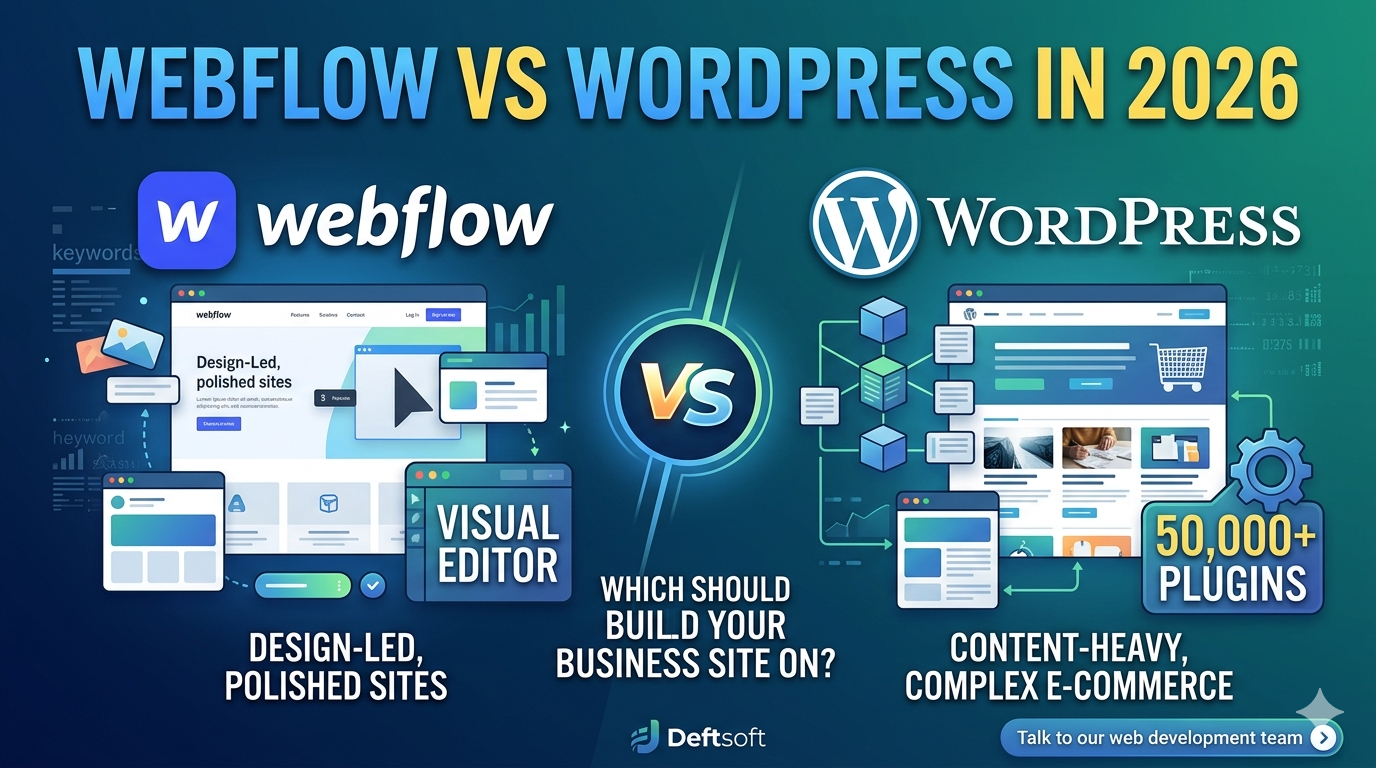
Webflow vs WordPress, both are powerful website platforms, but they’re built for different kinds of projects and people. In 2026, both are more capable than ever. Webflow has grown into a serious platform for design-led businesses and growing startups. WordPress still powers over 43% of all websites globally and remains the go-to for content-heavy sites, complex e-commerce, and businesses that need a plugin for everything. This blog provides an honest, practical comparison to help you make the right call for your business.
Not Sure Which Platform Fits Your Business?
Deftsoft builds websites on both Webflow and WordPress, and we’ll recommend the right one based on your goals, budget, and growth plans. No platform bias, just honest advice.
Quick Navigation
Why This Question Matters More in 2026
Side-by-Side Comparison: Webflow vs WordPress
Let’s Go Deeper on the Key Factors
Real-World Scenarios: Which Should You Pick?
What About Headless WordPress or Webflow CMS?
Why This Question Matters More in 2026
Not too long ago, WordPress was the obvious default for almost every business website. It was flexible, widely supported, and had plugins for literally anything you needed. Webflow was seen as a designer’s tool, with impressive visuals, but not quite ready for serious business use.
That gap has closed significantly. In 2026, Webflow offers better Content Management System (CMS) capabilities, stronger SEO tooling, more integrations, and a growing developer ecosystem. Businesses that wouldn’t have considered Webflow a few years ago are now confidently building on it.
At the same time, WordPress has continued to evolve. The Gutenberg block editor has matured. Themes and page builders have improved. Hosting options have gotten faster and more affordable.
So, the question is genuinely harder now. Let’s break it down.
What Is Webflow?
Webflow is a visual web design and development platform that lets you build websites by dragging, dropping, and adjusting design elements, without writing code. The key difference from tools like Wix or Squarespace is that Webflow actually generates clean, semantic HTML, CSS, and JavaScript. Designers love it because the output is production-quality code, not bloated markup.
Webflow also includes hosting, a CMS for blog posts and dynamic content, e-commerce functionality, and a client management system for agencies.
Who Webflow Is For
- Freelance designers and design agencies who want creative control without a developer
- Startups and SaaS companies building polished marketing sites and landing pages
- Businesses that prioritize visual branding and want a site that stands out
- Companies that want an all-in-one solution (hosting + CMS + design) in one platform
What Is WordPress?
WordPress is an open-source content management system (CMS) that powers more of the internet than any other platform. It is free to download and install, but you need separate hosting and a domain. The real power of WordPress comes from its flexibility; through thousands of themes and more than 50,000 plugins, you can build almost any kind of website imaginable.
WordPress in 2026 still leads the world in terms of market share, developer support, and extensibility. If you need something specific, a custom booking system, complex membership tiers, multi-language support, or an online store with complex inventory, there’s almost certainly a WordPress solution for it.
Who WordPress Is For
- Businesses with content marketing as a core strategy (blogs, news, editorial sites)
- E-commerce stores that need WooCommerce’s flexibility and scale
- Developers and technical teams who want full control over code
- Businesses with complex needs that require specific plugins or custom development
- Organizations with a budget for ongoing maintenance and development
Side-by-Side Comparison: Webflow vs WordPress
| Factor | Webflow | WordPress |
|---|---|---|
| Ease of Use | Moderate, visual, but has a learning curve | Easy to start, complex to master |
| Design Control | Pixel-perfect, full creative freedom | Theme-based, more limited without code |
| Cost | $14–$39+/mo (hosting included) | Free software, but hosting + plugins = $20–$100+/mo |
| SEO | Strong built-in SEO tools | Excellent with Yoast/RankMath + custom setup |
| Plugins/Extensibility | Limited native integrations, growing ecosystem | 50,000+ plugins for almost anything |
| E-Commerce | Built-in but limited for large stores | WooCommerce is powerful and scalable |
| Maintenance | Managed, Webflow handles hosting & security | Self-managed, you handle updates and security |
| Best For | Agencies, portfolios, SaaS landing pages | Blogs, content sites, large e-commerce, and complex platforms |
Let’s Go Deeper on the Key Factors
Design Flexibility
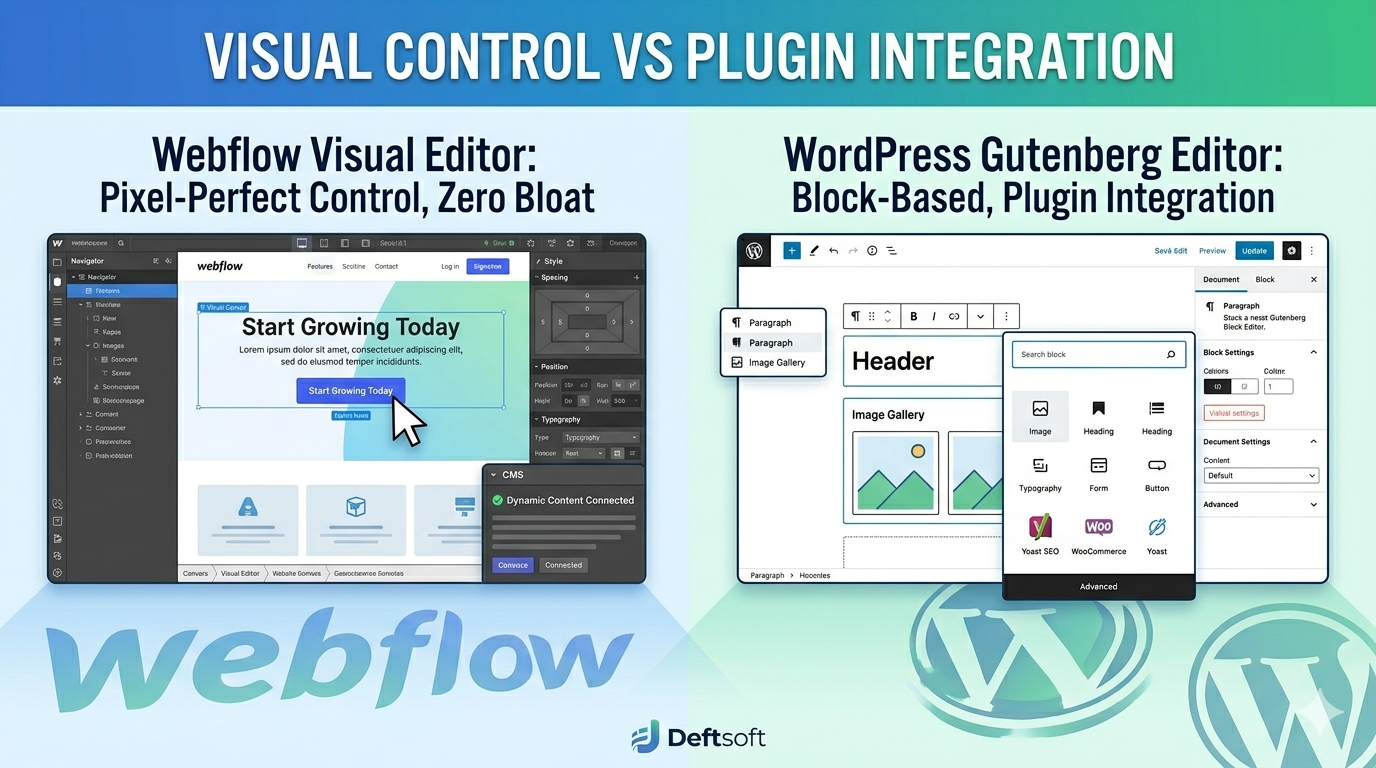
Webflow wins here if design is your top priority. The visual editor gives you complete control over layout, spacing, typography, and animations, all without touching code. You can build a site that looks exactly like the Figma mockup your designer created. WordPress themes and page builders like Elementor or Divi are powerful, but you’re often working within the constraints of a theme’s structure.
That said, with a skilled WordPress development expert, you can build highly customized sites that look just as good. The difference is that Webflow makes this achievable without a developer.
SEO Performance
Both platforms can effectively rank on Google. This is important to say clearly, because some people assume one is automatically better for SEO. It’s not the platform that ranks; it’s the content, site speed, technical setup, and backlinks.
Webflow has built-in SEO controls: customizable meta tags, canonical URLs, clean code output, automatic sitemaps, and 301 redirect management. For most SEO needs, it covers the basics well out of the box.
WordPress with a plugin like Yoast SEO or Rank Math gives you more granular control and additional features such as structured data tools, breadcrumb SEO, and readability analysis. For businesses doing serious content marketing and local SEO, WordPress’s plugin ecosystem gives it a slight edge in SEO tooling flexibility.
At Deftsoft, we offer SEO services for websites built on both platforms. Whether your site is on Webflow or WordPress, our team handles technical SEO audits, on-page optimization, content strategy, and local SEO, so your platform choice doesn’t limit your search performance.
Cost Comparison
Webflow’s pricing is subscription-based and includes hosting. Plans range from around $14/month for basic sites to $39/month or more for business sites with CMS and e-commerce. It’s predictable and easier to budget for.
WordPress is technically free, but you pay for hosting (typically $10–$30/month for quality managed hosting), premium themes ($50–$200 one-time), and plugins (some free, some $50–$200/year each). A well-set-up WordPress site can cost similar to Webflow or more once you add premium plugins. On the other hand, with cheaper hosting and free plugins, it can also cost significantly less.
For tight budgets, WordPress can be more affordable. For simplicity and predictability: Webflow wins.
Maintenance and Security
This is a real difference that doesn’t get talked about enough. WordPress requires ongoing maintenance, including updates to plugins, core, and themes, as well as security monitoring. If you skip updates, your site becomes a security risk. Many WordPress sites get hacked because they’re running outdated plugins.
Webflow handles hosting, security, and platform updates on its end. You don’t have to think about server maintenance or WordPress core vulnerabilities. For small business owners who don’t have a developer on call, this is a meaningful advantage.
E-Commerce
For large or complex online stores, WordPress with WooCommerce is the stronger choice. WooCommerce is battle-tested, deeply extensible, and supported by hundreds of add-ons for features such as subscriptions, wholesale pricing, advanced inventory management, and more.
Webflow’s e-commerce works well for smaller stores with straightforward product catalogs. If you’re selling a few dozen products or running a brand store with a curated selection, Webflow e-commerce can be a great fit. But if you’re running a 500+ SKU store with complex shipping rules, WooCommerce is the better tool.
Scalability
WordPress scales very well; it can handle everything from a 5-page business site to a massive news publication with millions of monthly visitors, given the right hosting infrastructure. The open-source nature means there’s virtually no ceiling on what you can build.
Webflow scales well for marketing sites and content businesses, but has some limitations for very large-scale or highly custom applications. For a business website, even a growing one, Webflow handles scale well. For enterprise-level complexity, WordPress or a custom web development solution may be needed.
Real-World Scenarios: Which Should You Pick?
Scenario 1: A Local Service Business (Plumber, Lawyer, Dentist)
WordPress is a solid choice here, especially if you’re investing in local SEO and content marketing. The plugin ecosystem handles everything you need: SEO tools, contact forms, appointment booking integrations, and Google Reviews widgets. Webflow works too, but WordPress gives you more flexibility as your needs grow.
Scenario 2: A Design Agency or Freelancer
Webflow is built for you. The ability to design pixel-perfect sites, hand off client-editing access, and manage multiple sites from a single dashboard makes Webflow the professional standard in the design agency world.
Scenario 3: A SaaS or Tech Startup
Webflow is the go-to for startup marketing sites in 2026. Fast to launch, visually impressive, easy to update as your product and messaging evolve. For your actual application or web app, you’ll be using a custom tech stack anyway, but for the marketing site, Webflow is hard to beat.
Scenario 4: A Blog or Content-Driven Business
WordPress is the clear winner. It was literally built for blogging and has evolved into the best content publishing platform on the web. Category management, editorial workflows, comment systems, RSS integration, and an enormous library of content SEO plugins make it unmatched for content-heavy sites.
Scenario 5: An E-Commerce Store
It depends on size. Small, brand-focused store with 20–50 products? Webflow is great. Mid-to-large store with complex needs? WordPress + WooCommerce is the answer.
What About Headless WordPress or Webflow CMS?
In 2026, more businesses are exploring headless architecture, where the content management back end is separated from the front-end presentation layer. WordPress is increasingly used headlessly, with custom front-ends built on frameworks like Next.js. Webflow also supports headless use cases through its API.
This is more advanced territory and typically involves custom web development.If you’re considering this approach, talk to a web development services partner who can advise you on the right stack for your goals.
Deftsoft builds custom websites on both Webflow and WordPress, as well as headless architectures for businesses with specific performance or scalability needs. Our web development team assesses your goals and recommends the stack that fits, not the one we’re most familiar with.
How Deftsoft Handles Web Development Projects
Webflow vs WordPress is an interesting discussion, and at Deftsoft, we have built websites on both for businesses across industries, from healthcare practices and law firms to e-commerce brands and SaaS startups. Our web development services are built around one principle: the website should serve your business goals, not just look good.
That means we start every project with a discovery phase to understand your target audience, SEO goals, content strategy, and how your website fits into your overall marketing. Then we recommend the platform, design the user experience, build the site, and make sure it’s set up for ongoing SEO performance.
We also offer ongoing support packages to keep your website secure, fast, and up to date, whether it’s on Webflow or WordPress.
And because we also offer local SEO services, Google Ads management, and content marketing, your website is never an isolated project. It’s part of a complete digital strategy.
Ready to Build a Website That Works for Your Business?
Whether you choose Webflow or WordPress, or need help deciding, Deftsoft’s web development team is ready to build it right, optimize it for search, and set it up to grow with your business.
Frequently Asked Questions (FAQs)
Is Webflow better than WordPress for SEO in 2026?
Neither platform has an automatic SEO advantage. Both can rank equally well on Google when set up correctly. Webflow’s clean code can give a slight speed advantage out of the box. WordPress, with the right SEO plugins, offers more granular control over optimization. The content, links, and technical setup matter far more than the platform itself.
Can I migrate from WordPress to Webflow (or vice versa)?
Yes, migrations are possible in both directions. Webflow has a blog import tool for WordPress content. Going the other way, WordPress can import content from various sources. That said, design elements, plugins, and complex functionality don’t transfer automatically; migrations usually require professional help. Deftsoft handles platform migrations as part of our web development services.
Which platform is better for a small business with no technical knowledge?
If you want to manage the site yourself without technical help, Webflow is generally easier to update once it’s built. WordPress requires more familiarity with the admin panel, and plugin management can be confusing. If you’re working with a web development partner for ongoing maintenance, either platform works fine.
Does Webflow work for larger businesses?
Yes, Webflow has scaled up significantly and is used by large companies for their marketing sites. Where it starts to show limitations is in very large e-commerce stores or highly complex web applications. For most business websites, including those of large companies, Webflow handles it well.
Is WordPress still worth learning in 2026?
Absolutely. WordPress still powers a huge portion of the web and is the dominant platform for content management, blogging, and WooCommerce-based stores. WordPress developers remain in high demand. For businesses with content strategies and complex needs, it’s still the most versatile option available.
What does web development with Deftsoft cost?
Project costs vary depending on scope, platform, and complexity. A standard business website on Webflow or WordPress typically ranges from $3,000 to $15,000+, depending on the number of pages, custom features, and SEO setup. Contact Deftsoft for a quote specific to your project.

Devraj
 6th May 2026