10 Free AI Tools Every Small Business Should Use in 2026
-
By Devraj
-
16th June 2026
Running a small business means wearing every hat: marketing, customer service, finance, content and sometimes even IT. Hiring a full team for each of these functions isn’t realistic for most small businesses, and that’s exactly the gap AI-powered tools have stepped into.
The good news for 2026 is that you don’t need a six-figure budget to use AI well. The tools worth using are affordable, with most offering free tiers that handle real, meaningful work, require zero technical setup, and deliver measurable time savings within the first week of use. The challenge is sorting through the noise of hundreds of tools that claim to be “built for small business,” most of which are repackaged wrappers charging premium prices for commodity features — a problem a proper custom AI solution actually solves instead of papering over.
This blog cuts through that noise. Here are 10 free AI tools small businesses should actually be using in 2026, what each one is genuinely good for, and how to get started with each one today.
Quick Summary
- AI tools in 2026 aren’t experimental anymore; they’re practical, fast to set up, and built to solve real, everyday business problems.
- The best free tools cover writing, design, customer relationship management, automation, and meeting notes, the tasks that quietly eat the most time.
- A simple rule before subscribing to anything paid: if a $20/month tool saves two hours a week at $25/hour, it’s already generating $200/month in value.
- Free tiers from tools like ChatGPT, Claude, Canva, Notion, and HubSpot CRM cover most small-business use cases without spending a dollar.
- The smartest small businesses in 2026 aren’t just using individual AI tools; they’re connecting them into systems that support the full customer journey.
Want to Build Smarter AI-Powered Systems for Your Business?
Deftsoft helps small businesses go beyond free tools, building custom AI solutions, chatbots, and automations tailored to how you actually work.
Why Free AI Tools Matter More in 2026 Than Ever Before
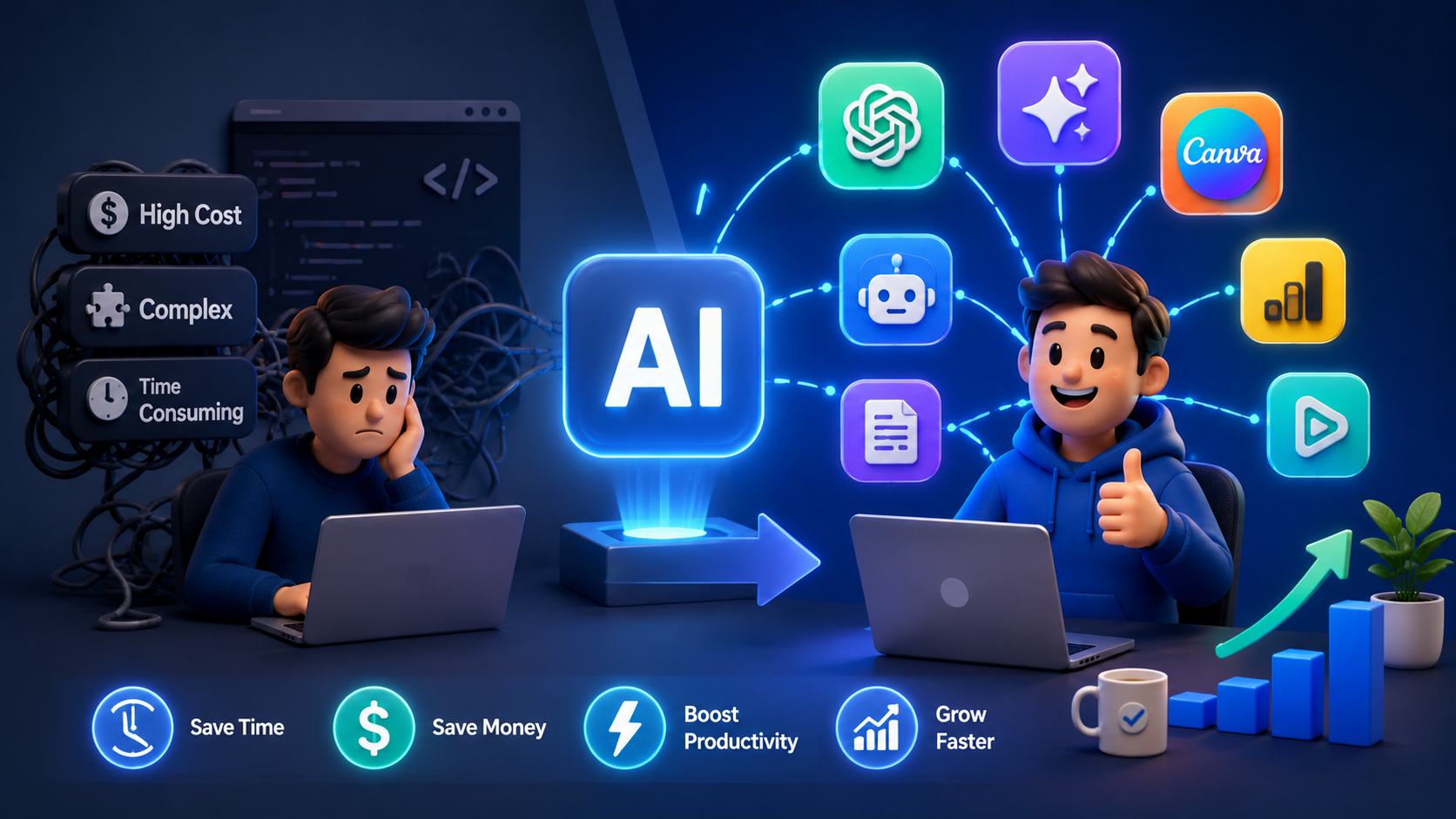
The AI tooling landscape has matured fast. What used to require a developer to build from scratch is now available as a polished, no-code product, often for free. For small businesses specifically, this is a genuine competitive advantage: it isn’t just a trend, but a real productivity advantage. Start with free tools to save time and improve daily operations, then look for ways to connect tools and automate workflows as the business grows.
Here’s the list, organized by what they help you do.
1. ChatGPT Your All-Purpose Writing and Thinking Assistant
ChatGPT has evolved from a simple chatbot into a full productivity platform. The free tier is useful for light writing tasks, drafting emails, writing product descriptions, creating social captions, summarizing documents, and brainstorming campaign ideas, all from one place.
Best for: Writing, ideation, problem-solving, customer communication, and quick research.
Getting started: Sign up for free at chatgpt.com. Use it for first drafts of anything text-based, emails, FAQs, blog outlines then refine in your own voice.
2. Claude Best for Technical and Detailed Work
If your business deals with contracts, technical documentation, or longer, more nuanced content, Claude AI is worth having alongside ChatGPT. The free tier provides daily messages on a strong model, which is more than enough for a small business owner writing a dozen emails and a few documents per day.
Claude is especially strong for technical work and long-form content that needs to maintain consistency in software documentation, contract analysis, and research synthesis, since it can process longer documents and maintain context better across extended conversations.
Best for: Businesses with technical needs, software, consulting, or anyone reviewing complex documents regularly.
Getting started: Sign up at claude.ai. Use it for reviewing contracts, structuring long reports, or drafting technical content where consistency matters more than speed.
3. Canva (with Magic Design): Professional Design Without a Designer
Design used to be one of the biggest bottlenecks for small businesses without an in-house creative team. Canva’s AI tools help close that gap completely. You can generate images from text descriptions, remove backgrounds instantly, expand images beyond their original borders, and get design suggestions based on your content.
The standout AI features include Magic Design, which generates complete designs from a simple prompt, and Magic Eraser, which removes unwanted elements from photos in seconds.
Best for: Social media graphics, presentations, marketing materials, and quick branding work.
Getting started: Use the free plan at canva.com it covers most small business design needs without ever touching the paid tier.
4. Notion AI: Turn Notes Into Organized Knowledge
Notion’s AI layer is built directly into every page, letting you generate text, summarize meeting notes, turn bullet points into full documents, translate content, and ask questions about anything stored in your workspace.
Best for: Internal documentation, project tracking, meeting notes, SOPs, and team wikis.
Getting started: Sign up at notion.so and start with one of Notion’s small-business templates project trackers and lightweight CRMs are good starting points. A genuinely useful trick: paste in a meeting transcript, highlight it, and ask Notion AI to extract every action item with an owner and due date attached.
5. Zapier: The Glue That Connects Everything
Zapier connects the apps you already use and automates the repetitive tasks between them. In 2026, its AI layer lets you build automations using plain English, for example, telling it to summarize a new lead’s LinkedIn profile and send you a Slack message the moment they come in.
Best for: Connecting apps, automating data entry, routing leads, and syncing information across your existing tools.
Getting started: Create a free account at zapier.com and use the plain-English builder to describe the automation you want, no technical setup required.
This kind of automation is also where many small businesses eventually outgrow off-the-shelf tools and look for something custom-built to their specific workflow, which is exactly where Deftsoft’s AI agent development services come in.
6. HubSpot’s Free CRM Sales and Lead Management Without the Price Tag
A CRM with AI capabilities does more than just store contact information; it actively helps you sell. HubSpot’s free CRM remains one of the strongest free options for sales and lead management in 2026, making it one of three tools (alongside Canva and ChatGPT) that cover most small-business needs in a completely free starter stack.
Best for: Tracking leads, managing customer relationships, and keeping your sales pipeline organized without manual spreadsheets.
Getting started: Sign up at hubspot.com and import your existing contacts. Use the AI features to draft follow-up emails and automatically summarize customer interactions.
7. Salesforce Free Suite AI Built Into Customer Relationships
For small businesses planning to scale, Salesforce’s Free Suite is worth knowing about. It offers all-in-one sales, service, and marketing tools and uses embedded AI for tasks such as drafting customer emails and automatically summarizing records, with the Starter Suite adding a conversational AI assistant that reads, summarizes, drafts, and updates customer details on its own.
Best for: Businesses that expect to scale their customer base and want a CRM that grows with them.
Getting started: Explore the Free Suite tier at salesforce.com to see if the AI-assisted workflow fits your sales process before committing to a paid plan.
8. Fathom Free AI Meeting Notes That Actually Save Time
Meetings eat hours every week, and most small business owners don’t have time to take detailed notes while also leading the conversation. Fathom solves this directly as a free AI meeting recorder, automatically capturing transcripts and summaries so nothing important gets lost.
Best for: Client calls, internal meetings, and anywhere accurate follow-up notes matter.
Getting started: Connect Fathom to your video calling tool (Zoom, Google Meet, etc.) and let it run in the background during your next call, no manual note-taking required.
9. Perplexity Faster, More Reliable Research
Researching competitors, industry trends, or quick facts can quietly consume hours every week. Perplexity has become a go-to alternative to traditional search for small business owners who want direct, sourced answers instead of scrolling through ten different web pages.
Best for: Market research, competitor analysis, and quick fact-checking with sources attached.
Getting started: Use the free version at perplexity.ai for any research task where you’d normally open multiple browser tabs; it consolidates the answer for you.
10. Google’s AI-Powered Workspace Tools Already in Your Toolkit
If your business already uses Gmail, Google Docs, or Google Sheets, you likely have access to AI features you’re not fully using yet, such as smart replies, automatic summarization in Docs, and formula suggestions in Sheets. Since most small businesses are already paying for or using Workspace, this is often the most overlooked “free” AI tool of all, simply because it’s hiding inside software you already have open every day.
Best for: Email management, document drafting, and basic spreadsheet automation all inside tools your team already knows.
Getting started: Look for the “Help me write” feature in Gmail and Docs, and the AI-suggested formulas in Sheets; both are usually on by default.
How to Actually Choose Which Tools to Start With
With this many options, the temptation is to try all 10 at once, which usually backfires. A better approach: do a simple time test. Before subscribing to anything paid, estimate how many hours per week the tool could save you, multiply that by what your time is worth, and use that number to decide whether it’s worth adopting.
Three good rules to keep in mind:
- Affordable pricing, most solid tools offer free plans or cost under $30/month, so there’s rarely a reason to overspend early.
- Clear ROI: the tool should save you time or make you money, period. If it doesn’t, it’s a distraction dressed up as productivity.
- Integration-friendly, the best tools plug into what you already use, rather than asking you to rebuild your entire workflow around them.
Start small. Pick the one tool that addresses your biggest daily frustration, get comfortable with it, measure the time it saves, and build from there.
When Free Tools Aren’t Enough Anymore
Free AI tools are an excellent starting point, but most small businesses eventually hit a ceiling, usually around the same time their customer base or workflow complexity grows. The most successful small businesses in 2026 aren’t just using AI tools individually; they’re using connected AI systems that handle the entire customer journey, from the first interaction to the final sale, all in one place.
This is also the point where a custom-built solution starts to outperform a stack of disconnected free tools, whether that’s a tailored chatbot trained on your own business data (covered under our AI chatbot development services), a generative AI feature built into your own product (see our generative AI development services), or simply a faster, better-performing website to support all this new traffic.
What This Means for Your Business
AI tools in 2026 have reached a point where “I don’t have the budget for AI” is no longer a valid excuse. The free tiers genuinely do real work. The businesses winning right now aren’t using the most tools. They’re using the right ones, consistently, and building from there as their needs grow.
Start with one tool. Solve one real problem. Then scale up either with more free tools or with a custom AI solution built specifically around how your business operates.
Ready to Build a Custom AI Solution for Your Business?
Free tools are a great start, but if you’re ready for AI that’s built specifically around your workflow, Deftsoft can help design and develop it.
Frequently Asked Questions
Q1. What are the best free AI tools for small businesses in 2026?
Some of the strongest free options include ChatGPT and Claude for writing and research, Canva for design, Notion for documentation, Zapier for automation, and HubSpot’s free CRM for sales and lead management. Together, these cover most of the day-to-day needs of a small business without any cost.
Q2. Do free AI tools actually save small businesses money?
Yes, when used correctly. A simple way to measure this: if a tool saves you two hours per week and your time is worth $25/hour, that’s $200/month in value, even from a completely free tool.
Q3. Which free AI tool is best for customer relationship management?
HubSpot’s free CRM is widely considered the strongest free option for small-business sales and lead management, with AI features that help draft follow-ups and automatically summarize customer interactions.
Q4. When should a small business move beyond free AI tools?
Once your workflow becomes too complex for disconnected free tools or you need automations and AI features tailored specifically to your business, it’s usually time to consider a custom-built AI solution, such as a dedicated chatbot or workflow automation system.
Q5. Can AI tools replace hiring staff for a small business?
Not entirely, but they can significantly reduce the workload on tasks like writing, design, scheduling, and basic customer communication, freeing up time for the parts of the business that genuinely need a human touch.
Q6. Are free AI tools secure enough for business use?
Most major tools (Google, Salesforce, HubSpot, Claude, ChatGPT) meet enterprise-grade security standards even on free tiers, but it’s still good practice to avoid pasting highly sensitive customer or financial data into any third-party tool without first reviewing its privacy policy.
Recent Articles





Devraj
 16th June 2026